
Sketch
Sketch Tattoo Stencils: Keep the Construction Lines
Direct answer
A sketch tattoo stencil has to preserve the roughness that defines the style — construction geometry, doubled searching strokes and open hatching are the design, not defects to remove. Extract in Sketch mode, which keeps the pencil look with shading as gray, and hold the Cleanup slider near zero, because cleanup deletes exactly the faint marks you are trying to transfer. Print a test sheet at final size and sort what you see into three piles: structure worth keeping, gesture worth keeping lighter, and capture noise from paper grain or a bad photo. InkLine runs that extraction on the device, so a second pass at a different cleanup setting takes seconds rather than another upload.
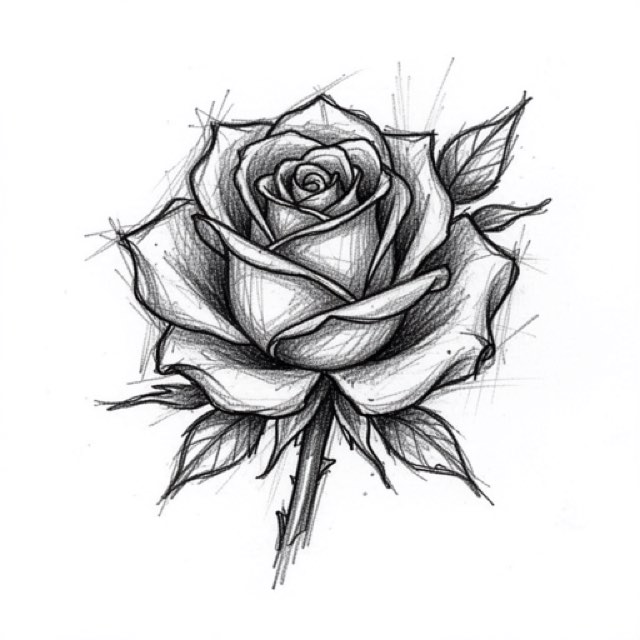
Sketch style asks a stencil to do the one thing every stencil pipeline is built to prevent: carry the mess. The construction circle under a rose, the second contour laid beside the first because the first was not quite right, hatching that stops short of the edge and a stroke that runs past it — those marks are the style. Cleaned off, what remains is a mediocre line drawing.
Sort every line into three piles before you touch a slider
The whole style comes down to one judgment, made repeatedly: this mark is the drawing, that mark is dirt. Make it deliberately and the rest of the work is mechanical. Skip it and you will either print a gray fog or print a tidied outline that lost the point.
Three piles, and a test for each.
| Pile | What it looks like | The test | What to do with it |
|---|---|---|---|
| Structure | Construction circles, axis lines, a box under a form, extension lines running past a corner | Does it explain a shape that is also drawn in finish? | Keep, at medium weight — it is your registration on skin |
| Gesture | Doubled contours, overshoots, tapering tails, banks of parallel hatch | Was it made by one committed hand movement, and does it repeat with a rhythm? | Keep, lighter than the primary contour |
| Noise | Even speckle from paper tooth, blocky mush around dark edges, a shadow gradient across the page, eraser haze, a stray hair | Does it have a direction and two ends? | Remove — it carries no information about the tattoo |
The direction test does most of the work. A drawn mark starts somewhere and stops somewhere, and its neighbors run roughly parallel to it. Paper grain and sensor noise have no angle and no ends; they are the same in every direction, spread evenly across areas you never drew in. Zoom to a patch of blank background: whatever is there is by definition not part of the drawing, and it tells you what the noise floor of this particular photo looks like. Anything in the drawn area that resembles that background texture is noise. Anything that does not is yours.
Two things make this judgment much easier. First, do it on paper at final printed size, not on screen at 300 percent — a mark that reads as a distinct light stroke when magnified can be indistinguishable from grain on the actual sheet, and the sheet is what you transfer. Second, print two versions, one extracted with cleanup off and one with it moderate, and compare them side by side. The difference between them is precisely the set of marks the slider considers expendable, and looking at that set directly is faster than guessing.
What a good sketch stencil has to show
Three distinct line weights, not one. This is where sketch inverts the usual advice. Most styles want a single consistent stencil weight; sketch needs a hierarchy, because weight is the only thing telling you which of three nearly parallel lines is the real edge. A workable split at printed size is roughly 0.5 to 0.7 mm for primary contours, around 0.3 to 0.4 mm for searching and construction lines, and no finer than about 0.25 mm for hatching. Below 0.2 mm lines break up, and above 0.8 mm a stencil line smears where the needle should sit; InkLine’s print screen, printing as drawn, warns at both ends. As drawn keeps the split you drew. If everything comes out at the same weight, the sheet stops reading as a sketch and starts reading as a scribble, and you will be picking the true edge with the machine already running.
At least one committed line per form. Even the loosest sketch tattoo has, somewhere in each shape, a line the artist actually follows. If nothing on your sheet is unambiguously darkest, the stencil has handed a design decision to your future self at the worst possible moment.
Hatching drawn as separate strokes, never as a gray wash. Transfer is close to binary. A region printed as flat 20 percent gray does not transfer as 20 percent gray; it transfers patchily, faintly, or not at all, and then it wipes. Hatching survives only when it exists as discrete lines with visible white paper between them. Roughly 1.5 to 2 mm of clear space between strokes at final size is a sane floor. Anything tighter is a gray field with extra steps.
Light marks planned as suggestions. The faintest tier of a sketch stencil dies three times over: some of it at the printer, more of it at transfer, and the rest at the first wipe of green soap. Do not put anything load-bearing there. If a construction line matters for placement, promote it to medium weight and accept that it looks heavier on paper than it did in the drawing.
Sketch first, Linework as the backup, Cleanup near zero
Sketch is the first choice for this style for one reason: it keeps the pencil look instead of deciding in advance what counts as a line. Edges darken, blank paper goes to white and shading stays as gray, so every graduated pencil stroke and every half-pressure searching mark arrives on the other side as something you can still see and judge. If you used InkLine before, this is the mode that was called Original until version 1.1.0; only the name changed. Its weakness is the same gray that makes it faithful: the faintest tier prints as light gray, and light gray is what transfer drops first, so judge it on paper.
| Mode | On a sketch source | Verdict |
|---|---|---|
| Sketch | Keeps graphite gradations, doubled strokes and faint construction marks, with shading as gray | The default |
| Linework | Traces the strokes, hatching included, as solid black lines | When the gray will not transfer, or for heavy ink sketches |
| Outline | Contour lines only, coarser, without the searching lines or fine hatching | The base layer of a two-pass build |
| Denoised | Linework on a noise-reduced, smoothed copy — and light pencil smooths away like grain | Avoid unless the photo is genuinely grainy |
| Tonal | Shadow map: dotted lines at each shadow level, hatching over the darkest | Only if your sketch is smudge-shaded rather than hatched |
| Dotwork | Traced outlines plus stipple | A different style, though a fair substitute if you plan to stipple |
The two-pass build is worth knowing. Extract once in Outline to get clean committed contours, then draw the construction lines and hatching back in yourself over that base, with the photo guide under the stencil so the original drawing shows through while you work. It sounds like more work and often is not, because you are placing roughness where you want it rather than negotiating with a slider over which roughness to keep. It also solves a real problem with photographed drawings whose background is too dirty to salvage. The general mode decision is laid out in which stencil mode to use for a design.
Slider behavior on this style is specific enough to state plainly. Detail high, since the fine marks are the content. Intensity moderate — pushed hard, adjacent hatch strokes merge and you get the gray field you were avoiding. Cleanup, which applies to Linework, Sketch, Denoised and Outline, at or near zero to start; it is a noise filter, and a light 3 mm searching stroke and a scanner speck look identical to a noise filter. Sharpen deserves one caution of its own: on a graphite source it can lift the paper tooth along with the strokes, which makes the grain crunchier and harder to distinguish from real marks, so compare before and after. InkLine runs all of this on the device, so cycling through settings costs nothing but time.
Draw the roughness back when extraction eats it
Some extraction loss is unavoidable, especially from a photographed drawing shot in imperfect light. Adding marks back is usually faster than fighting for them, and stroke-by-stroke undo means an over-marked sheet is easy to walk back. Apple Pencil pressure gives you the weight hierarchy directly; the Pencil brush handles construction and hatching, the Marker handles a committed contour you want to be sure of.
The useful realization here is that a sketch stencil does not need to contain every stroke of the drawing. It needs the structure, plus enough hatching to fix the angle and the density of each bank. Three strokes at the start of a bank and three at the end define the angle, the spacing and the taper; the twenty in between are yours to make on skin. Hatching drawn in one movement on the body reads more alive than hatching traced stroke by stroke, and it removes twenty chances to lose your place. This is the opposite of how you would treat realism, where the stencil is a map you follow closely, and closer to how ornamental work uses a stencil as a frame around freehand fill.
For designs being adapted to the body rather than transferred literally, keeping the drawing open on the iPad beside you is often the better tool than a printed sheet: it stays visible while you work, instead of committing to a transfer that has to be scrubbed off if the flow is wrong.
Size, placement and the hatch-spacing floor
Sketch has a hard minimum size that other styles do not, and it comes straight from hatch spacing. If the design needs strokes 1.5 mm apart to read, and the design at the size the client wants puts them 0.8 mm apart, the style will not survive — not because the stencil failed but because the tattoo will heal into a gray shape. Work the arithmetic before the stencil, not after: measure the tightest hatch spacing in your drawing as a fraction of the total width, then multiply out to the intended tattoo width.
That arithmetic pushes sketch work toward broad, flat-ish areas. The thigh is the natural home — enough width for a 20 to 35 cm design and a surface that does not fold the hatching, though the outer thigh’s curve still means a stencil that looks symmetric on paper needs checking on the body. Forearms, upper arms and backs all work. Wrists, hands and necks generally do not, because they force the spacing below the floor.
Printing is straightforward, since a sketch stencil is mostly white paper. InkLine prints US Letter, US Legal, Tabloid, A4 (210 × 297 mm) or A3 (297 × 420 mm) in portrait or landscape via AirPrint, and tiles designs larger than one sheet across up to 3 × 3 pages. One tiling rule is specific to this style: put the seam along the direction of a hatch bank rather than across a committed contour. A 1 mm misalignment inside loose hatching is invisible, and the same error across a primary edge is a permanent step in the tattoo.
How sketch work ages, and what the stencil cannot decide
The honest note is that sketch style ages toward its own weakest reading. Fine light lines soften and blur, tight hatch banks close up, and the airy gap between a doubled contour and its neighbor narrows until the pair looks like one thick line. A design that depends on fifteen hairlines inside a single centimeter will be a gray smudge long before it is old. Everything on this page about spacing floors and weight hierarchy exists to slow that down; none of it stops it.
A stencil also cannot decide the things that matter most for this style once the machine is on. Needle grouping, how light you run the searching lines, whether you commit to a stroke or feather it — all of that is applied at the skin, and two artists working from the same sheet will produce visibly different tattoos. That is more true of sketch than of any style with a firmly defined edge. If the lines are breaking up during transfer rather than at healing, that is a separate problem with its own causes, covered in why stencil lines break up.
Three app limits belong here as well. Below roughly 1000 px on the long edge, a photo of a drawing cannot be rescued into a clean stencil, and light pencil is the first casualty, so sketch suffers this earlier than bolder styles do. The on-skin preview is a visualization, not a measurement of how a design sits on a curved surface. And a phone with a home printer does not replace a dedicated thermal stencil printer at shop volume. InkLine is a free download, and the manual workflow — processing, editing, print layout and export — is free up to an allowance on how many images you carry through it, after which it needs a subscription; AI generation uses a credit system and needs a network connection, while everything described above runs locally on the device.
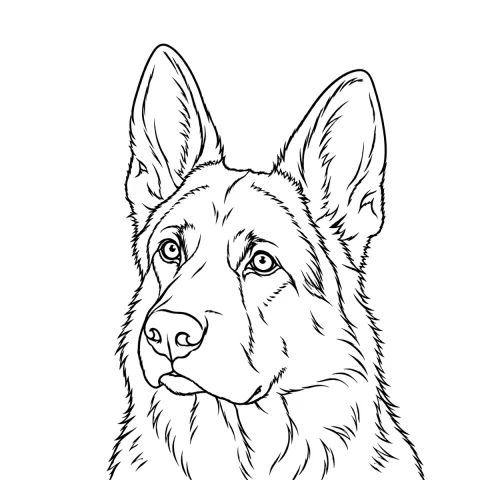
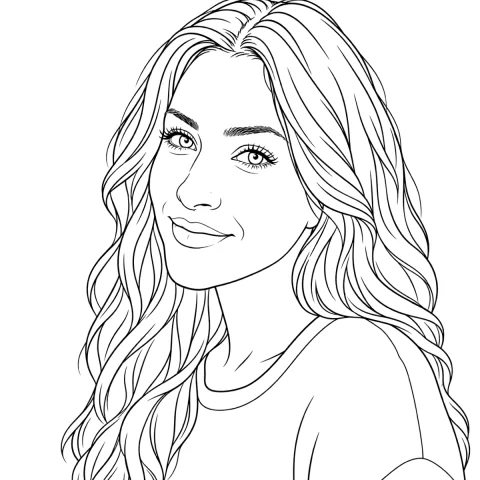
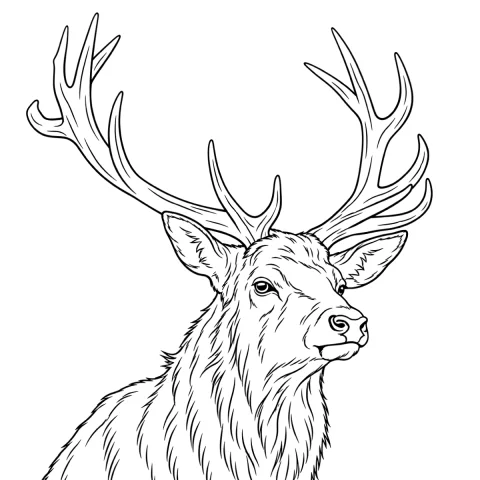
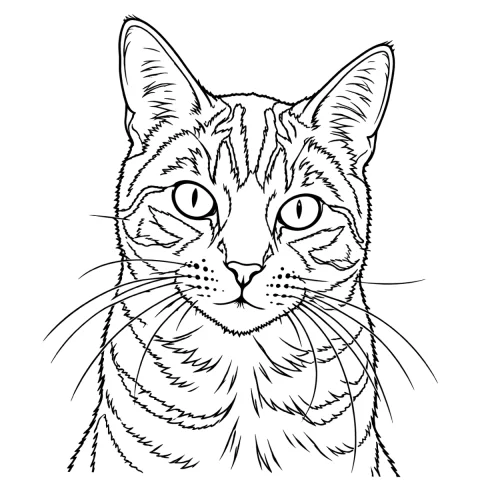
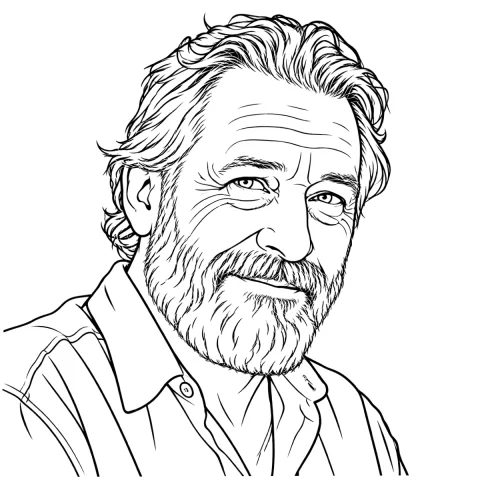
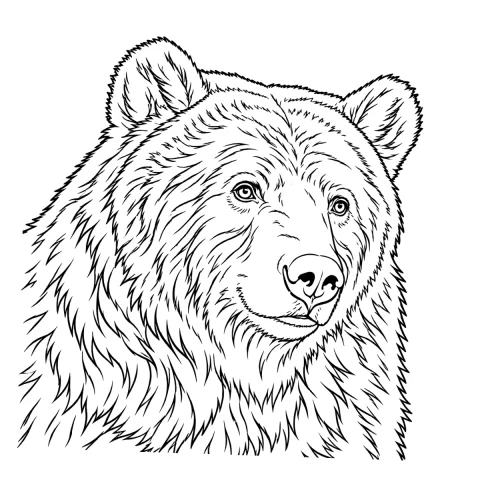
Free stencils to start this style from
Frequently asked questions
Should I clean up a sketch stencil before printing it?
Barely. Cleanup cannot tell a 3 mm searching stroke from a scanner speck, and on a pencil source it removes the light marks first. Run the extraction with Cleanup at zero, print it at final size, and only raise the slider if the background grain is genuinely worse than what you lose.
Which extraction mode keeps pencil hatching?
Sketch, because it keeps the pencil look rather than deciding what is line and what is not: edges darken, blank paper goes white, and shading stays as gray. Linework is the second choice when that gray will not transfer or the sketch is in heavy ink, because it traces the strokes, hatching included, as solid black lines. Denoised is the wrong pick here: it smooths the image before tracing, and faint graphite goes the same way as grain.
How far apart do hatch lines need to be on the stencil?
About 1.5 to 2 mm at final printed size is a workable floor. Closer than that, the transfer tends to bridge between strokes, and healed lines spread enough over a few years that a tight hatch bank closes into a flat gray field. Widening the spacing in the file is free; widening it on skin is not.
Can I make a sketch stencil from a photo of my own pencil drawing?
Yes, with more care than other styles need. Shoot it square-on in flat, even light with no shadow gradient across the page, and stay above roughly 1000 px on the long edge. Below that you are redrawing rather than converting, and light pencil is the first thing that disappears.
Does every hatch stroke have to be on the stencil?
No, and putting them all there usually makes a worse tattoo. Transfer the structure plus the first and last few strokes of each hatch bank, which fixes the angle and the density, then make the rest freehand. Traced hatching tends to read stiffer than hatching drawn in one movement.