
Guides · 19
Tattoo stencil guides
One question per page, answered the way an artist would answer it — what to do, what breaks, and what to check before the needle touches skin.
- Best Tattoo Stencil App for iPhone and iPad: 6 Honest PicksThe best tattoo stencil app depends on your printer, your device and how you pay. Six iPhone and iPad options compared, each with a real weakness.
- Do You Mirror a Tattoo Stencil: Which Transfer Methods Need ItThermal and carbon sheets reverse a design twice, so print it right-reading. Face-down printed transfers reverse once, so mirror. How to tell which.
- Handwriting Tattoo Stencil: From a Card or Letter to SkinTurn a loved one's handwriting into a tattoo stencil: scan it flat, lift the ink off ruled paper, even out ballpoint strokes and size it to stay legible.
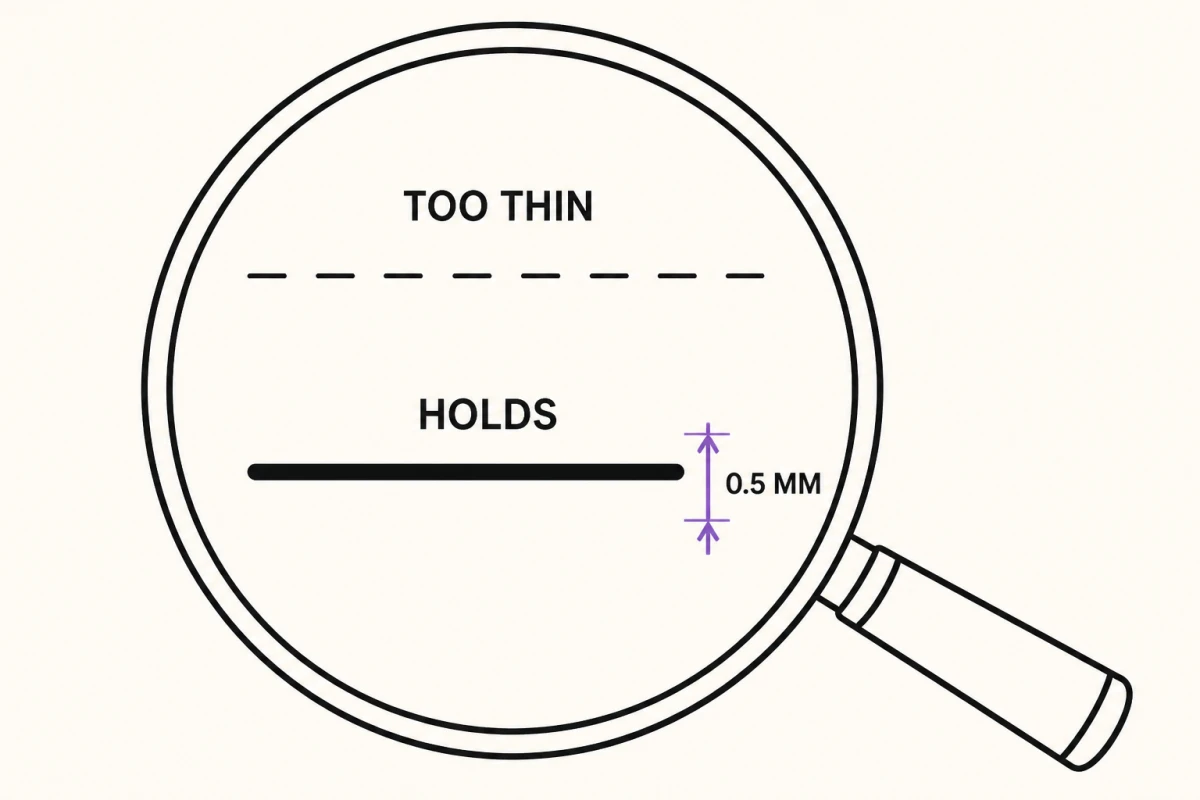
- How Thick Should Tattoo Stencil Lines Be: Widths by Size and MethodStencil lines work best at about 0.3 to 0.5 mm on paper. How to pick a width for the design's size, detail and transfer method, with starting points.
 How to Apply a Stencil to Fake Skin (and Make It Stay Put)Prep, transfer product, pressure and set time for practice skin, plus why stencils bead up, fade or smear on synthetic sheets and how to fix each one.
- How to Apply a Tattoo Stencil: Prep, Placement, Press and PeelThe on-skin steps for applying a tattoo stencil: trim, prep the area, a thin coat of transfer product, position standing, press, peel, set and check.
 How to Make a Tattoo Stencil From a Photo (Step by Step)Pick the right photo, crop it, convert it to linework, clean the stray marks and print at true size — the full path from photo to tattoo stencil.
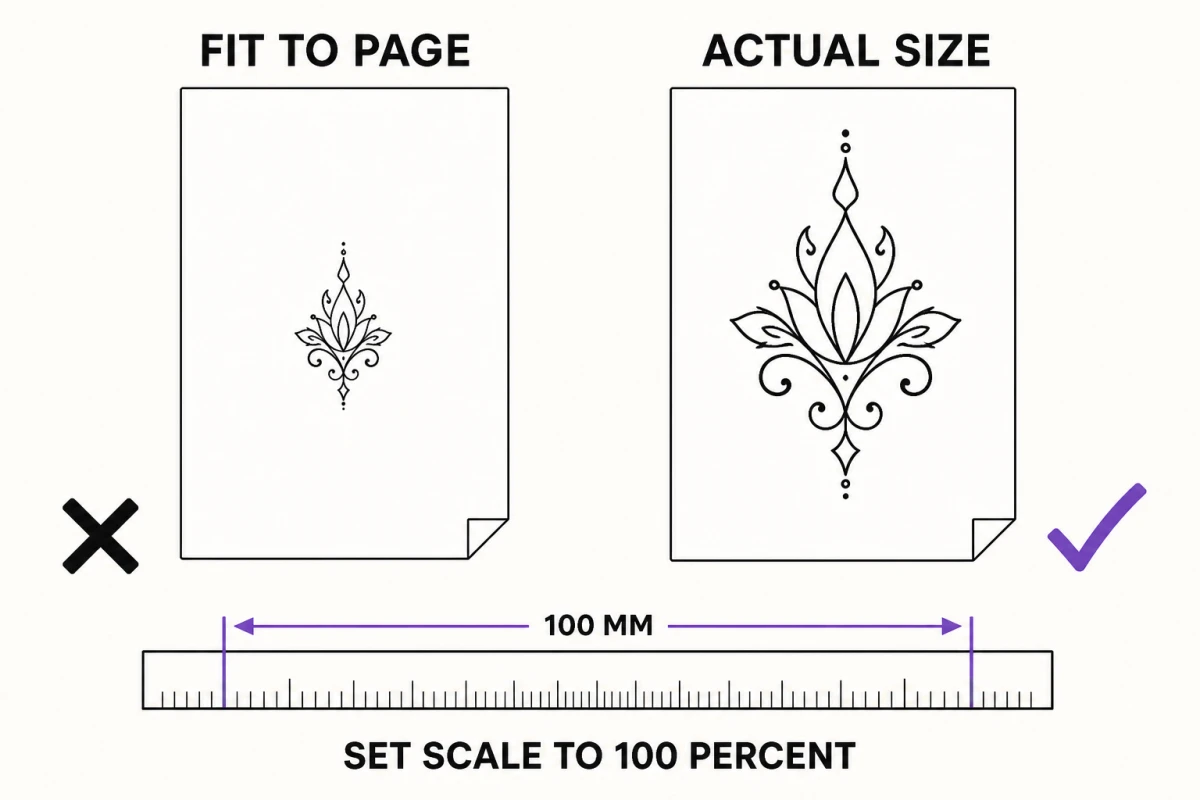 How to Make a Tattoo Stencil in Photoshop (Print-Ready Steps)Size the file at 300 ppi, push contrast, trace the lines you keep on a new layer, delete the grey and print at 100% — a correct Photoshop workflow.
- How to Make a Tattoo Stencil in Procreate (iPad Workflow)Size the canvas at 300 dpi, trace the reference on its own layer, export solid black lines and print at true size — a Procreate stencil workflow.
- How to Print a Tattoo Stencil at Home Without Shrinking ItPrint a tattoo stencil at home at true size: 300 DPI at final size, scaling turned off, thermal transfer paper, and a ruler check before transfer.
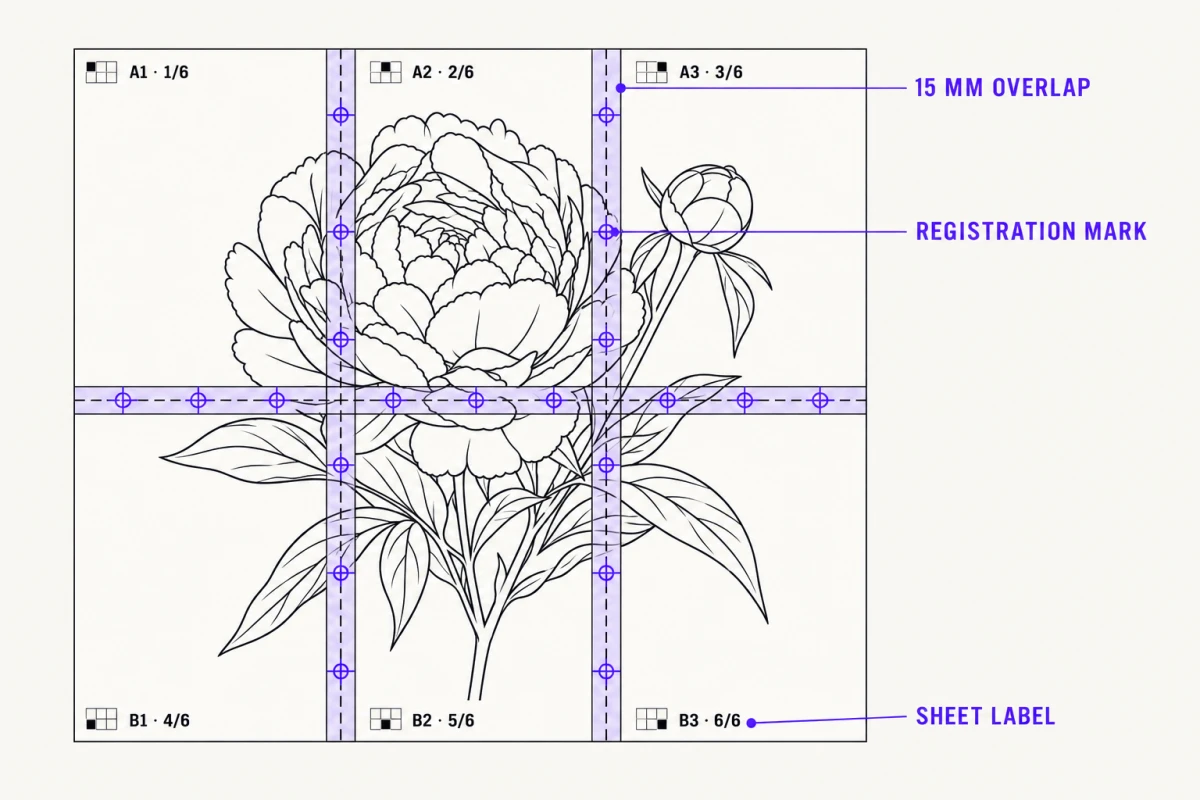 How to Print a Tattoo Stencil Larger Than One Sheet (Tiling)Tile an oversized design across several sheets at 100% scale with overlapping seams and registration marks, then transfer it section by section.
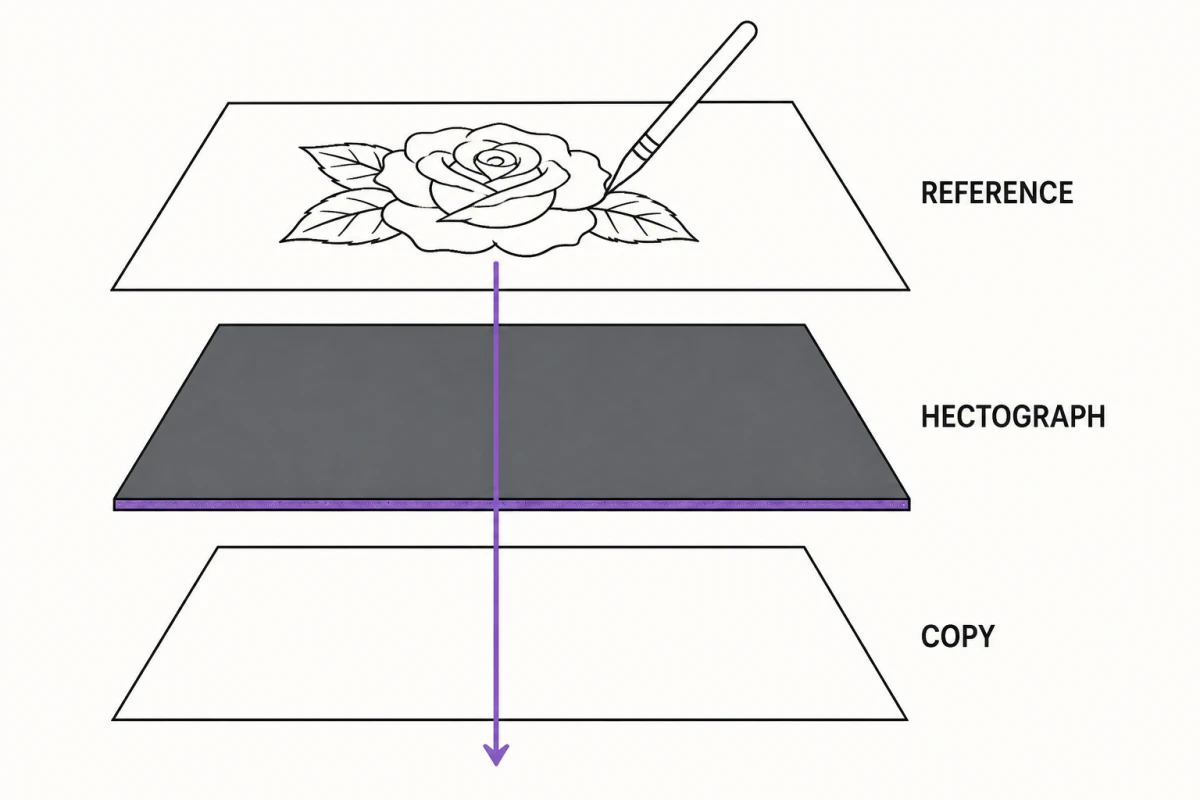 How to Transfer a Tattoo Stencil Without a Thermal PrinterHectograph tracing, printed outlines, stencil fluid technique and drying time — plus honest failure rates versus a thermal stencil printer.
- How to Turn a Drawing Into a Tattoo Stencil (Scan to Print)Capture a hand drawing flat and evenly lit, ink or clean the lines, convert it to stencil linework and print it at the exact size of the tattoo.
- Pet Tattoo Stencil From a Photo: Dogs, Cats and FurTurn a phone photo of a dog or cat into a pet portrait tattoo stencil — picking the frame, mapping fur, choosing a mode and handling dark coats.
- Portrait Tattoo Stencil From a Photo: Source, Modes and SizeTurn a face photo into a portrait tattoo stencil: what makes a usable source, what the stencil must carry, which mode to run and how big to print.
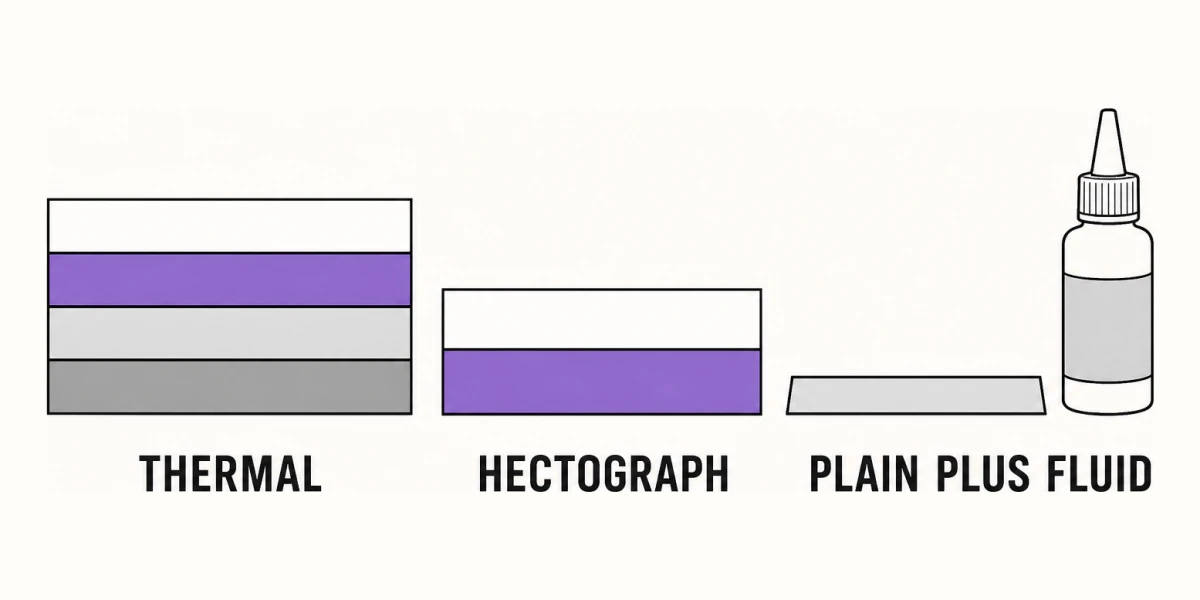 Tattoo Stencil Paper Types: Thermal, Hectograph, PlainThermal transfer, hectograph, and plain paper compared on cost, equipment, and line fidelity, plus which one a phone-printed stencil actually needs.
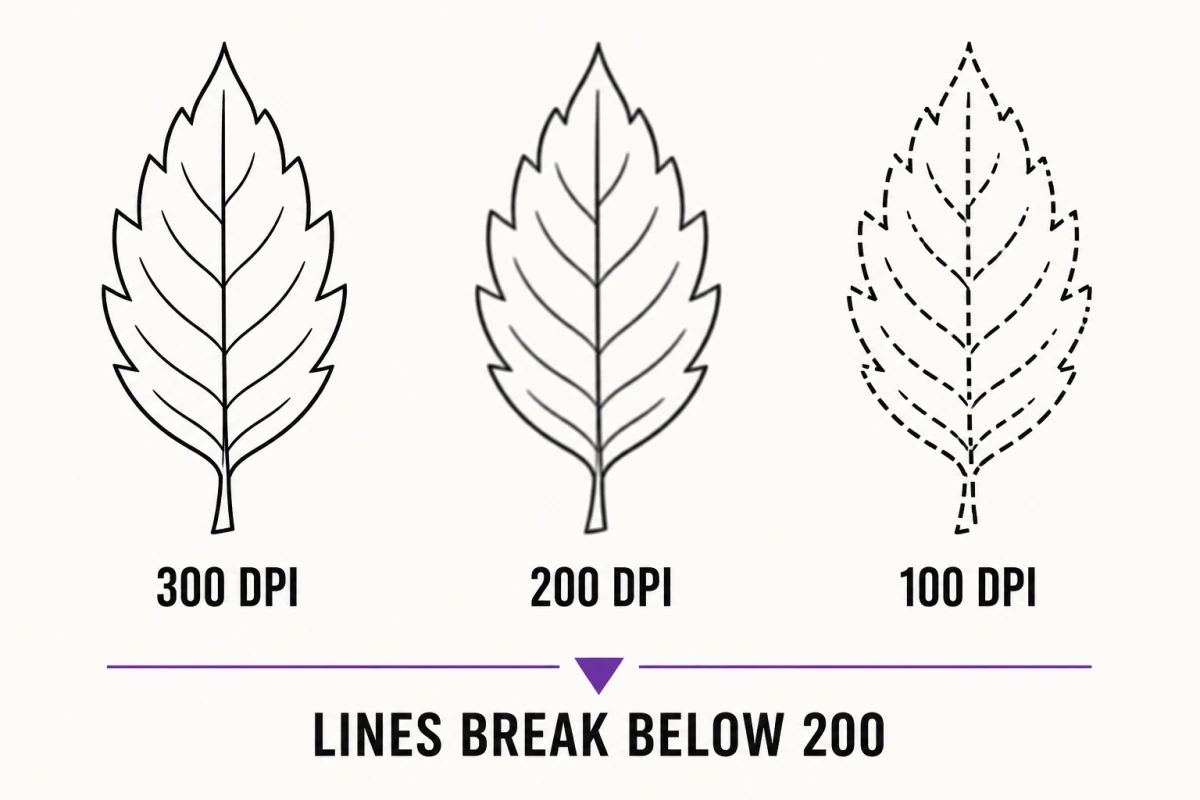 What Resolution Does a Photo Need for a Tattoo Stencil?Effective DPI math for stencil work: the 300 DPI target, the 200 DPI floor for bold designs, and the pixel count below which you redraw.
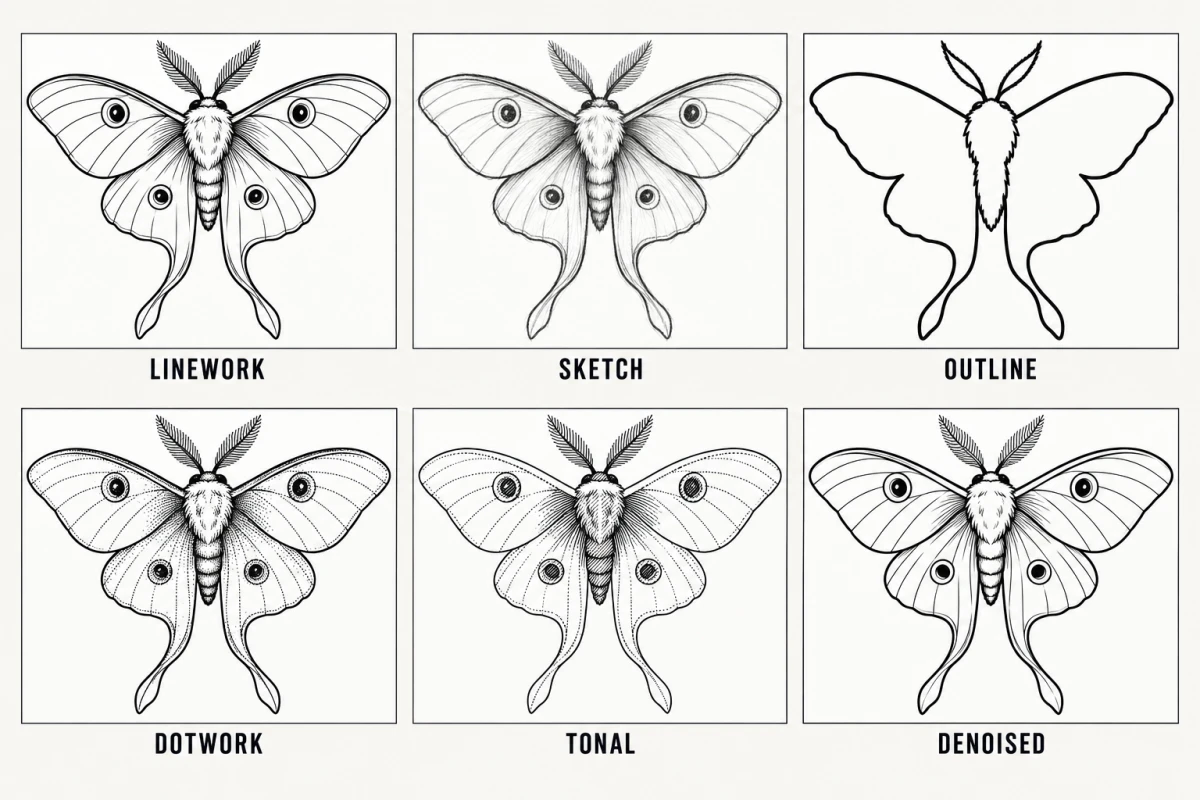 Which Stencil Mode to Use for a Tattoo Design: All 6 ComparedCompare six stencil modes, Linework, Sketch, Outline, Dotwork, Tonal and Denoised, and see which design types each one actually suits.
- Why Do Stencil Lines Break Up on Transfer: Causes and FixesA cause-by-cause diagnosis of broken, dotted, and vanishing stencil lines, from source resolution and line weight through paper, fluid, and skin prep.