
Realism
Realism Tattoo Stencil: A Value Map, Not a Line Drawing
Direct answer
A realism tattoo stencil is a value map with landmarks, not a line drawing: the finished piece has no outlines anywhere, so the stencil only has to fix the pupils, the eye corners, the nostril base, the lip corners and the jaw edge, plus the boundaries between the major shadow masses. Pull it in Tonal mode, which maps those shadows as dotted lines and hatching rather than gray that will not transfer, and keep a Sketch pass on screen as a pencil-style value reference. Realism also demands more source resolution than any other style, well above the roughly 1000 px long edge where a photo stops being convertible; InkLine's 2x upscale on import adds pixels, not detail.
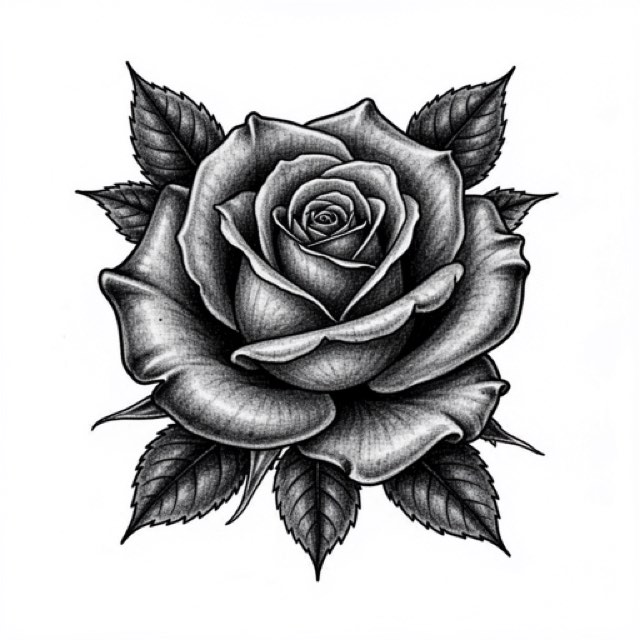
Every other style on this site is a linework problem. Realism is not. When the piece is finished there is no outline anywhere on the skin — only value, edges that exist because two values meet, and a handful of landmarks accurate enough that a face reads as one specific person. The stencil has to serve that, which makes it a fundamentally different object from a traditional or ornamental stencil, and it fails in different ways.
What a realism stencil actually has to carry
A realism stencil is two things stacked on one sheet: a small set of landmarks that must be dead accurate, and a large set of tonal information that only has to be approximately right. Confusing the two is the single most common reason a stencil that looked excellent on paper produces a portrait that does not resemble the subject.
| What the stencil carries | How it should look | Error you can absorb |
|---|---|---|
| Landmarks — pupils, inner and outer eye corners, nostril base, lip corners, jaw and hairline edge | Thin, deliberate marks; the only genuinely hard marks on the sheet | Almost none. Two millimeters of drift in pupil-to-pupil distance changes who the person is |
| Value boundaries — where a mid-tone meets a shadow mass | Dotted or broken lines, never contours | A few millimeters; you re-find these with the machine regardless |
| Cast shadow shapes — under the brow, nose, chin, collar | Hatched masses, never solid fills | Generous. The shape matters far more than the edge |
| Reserved highlights — catchlights, nose tip, lower lip, forehead plane | Marked as closed areas to protect, not as tone | Moderate on the skin planes, near zero on the catchlight in the eye |
The negative list is just as important. A realism stencil should not carry a contour around the head, a ring around the iris, a border around the lips, or an outline around each shadow shape. Every one of those is a line you will have to work back over and blend away, and every one of them tempts the hand into treating a soft transition as a hard one.
The practical move that follows from this is to transfer less than you extracted. Keep two versions from the same project: save the full shadow map to Photos as a PNG, then erase it down to a landmarks-only version you actually print and apply, with the full one beside you on screen. The dotted boundaries and hatching are the first thing to disappear from skin once you start wiping, usually inside the first hour, so building your session plan around them is planning around something that will not be there. The landmarks are what survive, and they are what you should spend your accuracy budget on.
Tonal and Sketch, and why the other four modes miss
Of the six stencil modes in InkLine, two are built for this job, and they do different halves of it.
Tonal is a black-and-white shadow map: light outlines, a dotted line where each of two to four shadow levels begins, and hatching over the darkest. There are no gray fills, because gray does not transfer to skin. It is the default choice for a portrait, an animal, a fabric study — anything where the subject is described by light rather than by edge — and it gives you a stencil you read as areas, not as a path to follow. The boundaries are dotted precisely so they are not tattooed as outlines. Its light outlines can include contours this style should not carry, such as a ring around the iris or a line around the lips, so erase those before printing.
Sketch is the pencil-sketch look: edges darken, even tones go to paper white, and shading stays as gray. That gray will not transfer reliably, which is why Sketch is the version you look at rather than the one you apply — a value study on screen beside you while you work from the Tonal sheet. Run it on the photo and save it to Photos, then step back to the photo on the timeline for the Tonal pass; a mode applied on top of another processes that result, not the photo. It also has the Cleanup slider, which is available on Linework, Sketch, Denoised and Outline and not on Tonal, so on a grainy reference Sketch with a little Cleanup is often the cleaner study. If you used InkLine before, Sketch is the mode that was called Original until version 1.1.0; only the name changed.
The other four are mismatched to the style rather than bad. Outline produces contour lines, which is the deliverable realism explicitly does not want. Linework traces solid lines and keeps near-black areas as fills, which is the coloring-book failure. Dotwork re-renders values as stipple, which is a legitimate rendering style in its own right but not the smooth gradient photographic shading depends on. Denoised is Linework run on a noise-reduced copy, so it is still lines, and its smoothing flattens exactly the close-together mid-tones that carry a cheekbone.
Two settings decisions do most of the work:
- Detail: middle-high, not maximum. Pushed to the top on a face, extraction starts promoting pore texture and sensor noise into visible marks. On paper that reads as mottling, and on skin it reads as dirt.
- Intensity: this decides how much of the face reads as shadow. Too low and the map misses the mid-tone shadows that model a cheek; too high and most of the face is mapped as shadow and the hierarchy collapses. Judge it on a print, never on a bright screen.
It is also worth thirty seconds judging the reference in black and white before you extract anything. InkLine’s default grayscale is color-aware, keeping the line between two colors of the same brightness, and an HSV conversion is available on import — but neither can add value range the photo does not have. Red-heavy skin under warm light can be much flatter in value than it looks in color, and if the face has already lost its value range at that stage, no mode recovers it. The full decision tree across the modes is in which stencil mode for which design.
The resolution bar realism sets
Line-based styles are forgiving about source quality because a line is still a line when it is soft — you can re-weight it by hand. A value map has no such fallback. Every gradient step needs pixels underneath it, and realism is the only style on this site where a mediocre reference is genuinely unusable rather than merely inconvenient.
A workable rule of thumb, tied to printing around 300 px per inch:
| Final tattoo height | Reference long edge that holds up | Territory where you are redrawing |
|---|---|---|
| 10 cm (4 in) | 1200 px and up | Under 1000 px |
| 15 cm (6 in) | 1800 px and up | Under 1400 px |
| 25 cm (10 in) | 3000 px and up | Under 2200 px |
| 35 cm (14 in) | 4200 px and up | Under 3000 px |
These are working numbers, not physics — a sharp, well-lit 1600 px file beats a soft 3000 px one every time, and InkLine caps images at 4096 px on the long side anyway, about where this table tops out. But the direction is real, and it explains why so many realism consultations stall. A screenshot of a social post is typically around 1080 px wide and has already been recompressed twice. A photo of a printed photo taken under a lamp adds glare across the exact forehead and cheek planes you need. Direct on-camera flash flattens the mid-tones realism lives on, which is why a technically large flash photo can still be a poor reference.
Ask for the original file rather than a messaging-app copy, and ask early — most messaging apps recompress images on send, and the client usually still has the original in their photo library. When the file is genuinely small, the optional 2x upscale on import — on by default under 2000 px — gives the tracer more pixels to work with, but it is local resampling, not recovery, and it adds no detail. Below roughly 1000 px on the long edge, no processing rescues a photo into a clean stencil — you are redrawing it. The numbers behind all of this are in photo resolution for tattoo stencils.
One non-technical requirement belongs here too: use a photo the client owns or clearly has the right to use. Portrait work regularly starts from a professional photographer’s image, and that image is somebody’s copyrighted work.
Getting the proportions right before anything touches skin
Portrait accuracy is a measurement problem, and eyes are terrible at measuring things they have been staring at. The classical checks — the eye line near the halfway point of the head, an interocular gap roughly one eye wide, mouth corners near the inner edge of the pupils — are useful as a first sanity pass, but real faces deviate from the canon constantly. Measure the reference itself, not the textbook.
The check that catches the most errors costs a ruler and two minutes. Print the reference at exactly the stencil’s final size, lay it beside the printed stencil, and compare three distances: pupil to pupil, pupil to the corresponding mouth corner, and outer eye corner to the jaw edge below it. If any of the three is off by more than about two percent, correct it before you go further — everything downstream inherits that error.
Two editor moves are worth building into your routine. Flipping the stencil horizontally with mirror and flip makes asymmetry you have gone blind to jump out immediately; a slightly high eye that you stopped seeing after twenty minutes becomes obvious the instant it is on the other side. And where a landmark needs to move a millimeter or two, correcting it by hand with an Apple Pencil is faster than re-extracting at different slider positions, with stroke-by-stroke undo covering an over-committed pass. Turn on the photo guide while you do it: it puts the original photo under the stencil at an adjustable opacity, so you move the landmark against the source rather than by eye. It is never printed or exported.
Head tilt deserves separate attention, because portraits fail on tilt more often than on feature size. Marking the axis through the pupils and the axis through the mouth corners on the stencil, even faintly, keeps a face from quietly rotating during a long transfer.
Placement, print size, and surviving a long session
Realism wants area and it wants a stable surface. Large, relatively flat panels — outer thigh, back, upper arm, calf — let a 20 to 35 cm subject sit without wrapping hard around a curve, and they hold still while you work.
The ribs are worth calling out as the hard case. Rib placements are common for realism and they punish it: the panel curves in two directions, it moves with every breath, and a photographically accurate face distorts far more visibly than an ornamental or tribal pattern does. Geometry that a viewer would never question in an abstract design becomes a wrong face. Plan for stencil re-application partway through, and check the transfer with the client in the position they will actually hold.
Print at the size you will tattoo, every time — a portrait judged on a piece of US Letter (215.9 × 279.4 mm) when the finished piece is 35 cm tall has been judged at half scale, and half scale hides everything. InkLine prints US Letter, US Legal, Tabloid, A4 and A3, portrait or landscape, and tiles a design across up to 3 × 3 sheets when it is larger than one page, so checking at true size costs paper instead of guesswork. It prints to AirPrint printers, and exports a PDF at the chosen paper size or a PNG if you want to take the file elsewhere. The download is free; the manual stencil workflow — processing, editing, print layout and export — is free up to an allowance on how many images you carry through it, and past that allowance it needs a subscription, while AI generation runs on a credit system.
Realism sessions run long, and long sessions mean a stencil under repeated wiping. Once again, that is the argument for the two-sheet approach in the first section rather than for any particular product setting.
How realism ages, and where the tools stop
There are no lines here to spread, so the aging story is entirely about contrast. Over years, light grays lift toward skin tone and dark masses soften and expand slightly, which narrows the gap between adjacent values. A design built on six clearly separated values still reads at fifteen years; one built on twelve subtle steps compresses into a soft gray shape. Building a wider value gap than looks correct on the print is not overworking the design — it is the design accounting for time.
Scale interacts with that. Small realism is a trap: below about 10 cm a face simply does not have the square millimeters to hold enough separated values, and it will close up faster than a larger version of the same subject.
The honest limits, stated plainly:
- A soft source stays soft. Sharpening and upscaling raise apparent contrast; they do not restore the cheekbone gradient the camera never resolved.
- The on-skin preview is a visualization, not a measurement. It shows how a subject reads at a placement. It does not tell you how a face distorts across a rib cage — that is what a printed stencil on the actual body is for.
- Shop-volume work still wants a thermal stencil printer. A dedicated unit is faster and more consistent than printing and hand-transferring all day, and no app replaces it.
- AI generation needs a network connection. The manual processing pipeline runs locally on the device; generation does not.
- Generated output is a starting point. Treat AI imagery as reference to redraw over, not as a finished realism stencil — likeness is the whole game in this style, and inference is not the same as a photograph of a person.
For the opposite philosophy, look at sketch stencils, where visible construction lines and an unresolved edge are the point of the style rather than something to blend away. Realism spends all of its effort making the stencil disappear; sketch spends its effort keeping it visible.
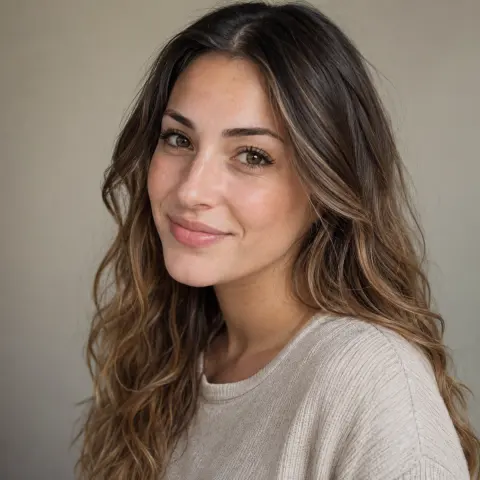
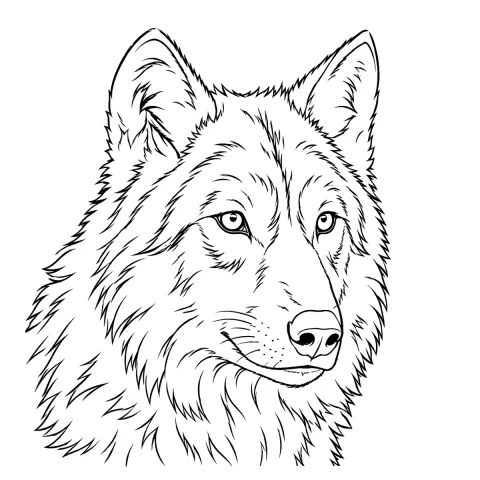
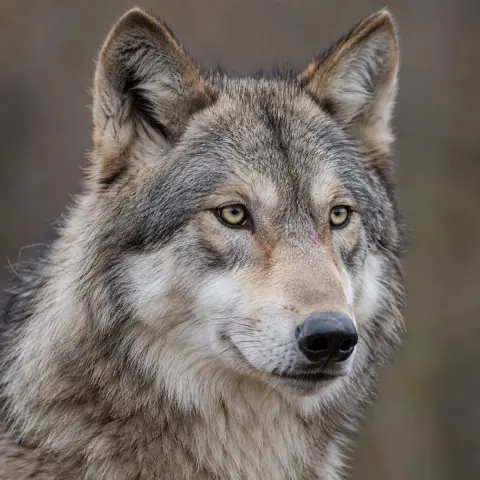
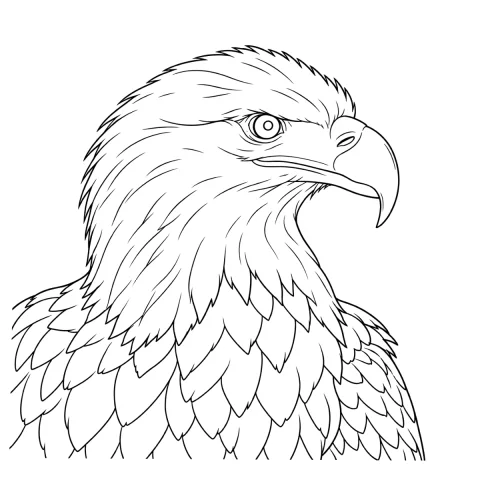
Free stencils to start this style from
Frequently asked questions
Which extraction mode should I use for a realism stencil?
Tonal, for most references — it maps the shadows as a dotted line where each of two to four shadow levels begins, with hatching over the darkest, which is the value map a realism stencil is for, in black and white that transfers. Sketch, the pencil-sketch mode that keeps shading as gray, is the reference you keep on screen, and it has the Cleanup slider Tonal lacks. Outline and Linework are the wrong deliverable here: they draw borders that do not exist in the finished tattoo.
Why does my realism stencil come out looking like a coloring book?
You are almost certainly on Linework, the default mode, or on Outline. Both trace solid lines along every contour, and Linework also keeps near-black areas as solid fills, which on a face is a coloring book. Realism has no borders: switch to Tonal, where shadow boundaries arrive as dotted lines rather than contours, and lower Intensity if the map still looks busy.
How much resolution does a realism portrait reference actually need?
As a working rule, about 300 px for every inch of final tattoo height — roughly 1800 px on the long edge for a 15 cm portrait, and 3000 px for a 25 cm one. Below roughly 1000 px on the long edge nothing rescues the file into a clean stencil; you are redrawing rather than converting, and for realism that practical threshold sits higher still.
Should the full stencil go on the skin, or just the landmarks?
Transfer the landmarks and the major shadow boundaries. The dotted lines and hatching of the full shadow map will wipe off in the first hour of a session anyway, so treat them as information for you rather than as a durable guide, and keep the full version on screen beside you as the reference you actually work from.
Does a realism tattoo age as well as bold linework?
It ages differently. There are no lines to spread, so the failure mode is contrast compression: light grays lift, dark masses soften slightly, and adjacent values that were two steps apart start reading as one. A portrait built on six clearly separated values survives that far better than one built on twelve subtle ones.