
Blackwork
Blackwork Tattoo Stencils: Mark the Fill Edges, Not the Black
Direct answer
A blackwork tattoo stencil should mark the edges of each solid fill, not the fill itself: transfer ink spread across a large black area smears as soon as a hand or a wiped bottle crosses it. Outline mode is the right extraction, because it draws contour lines and never fills; Linework, the default, keeps near-black areas solid. Keep boundary lines at one consistent weight, outline negative-space shapes as closed paths, and drop two or three internal registration marks into any field wider than about 8 cm. InkLine's Outline mode runs locally on the device, so a test extraction needs no connection.
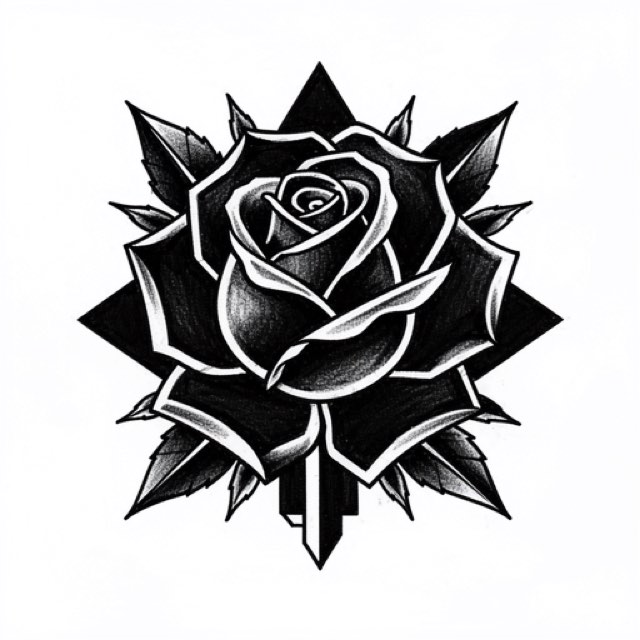
Blackwork is the one major style where the stencil and the finished tattoo look almost nothing alike. The tattoo is mass: solid, saturated black shapes with hard edges. The stencil is a thin skeleton of boundaries around empty white. Nearly every blackwork stencil problem comes from trying to make the stencil resemble the outcome.
Outline the fill, never fill it
A stencil is a deposit of transfer ink sitting on the surface of the skin. It survives because there is very little of it and because it is thin. Lay it down across a 5 cm field of solid black and three things happen in order: the back of your hand crosses it and pulls a gray drag mark over the edge, green soap or ointment lifts it unevenly so the field turns patchy, and the boundary you actually needed is now buried somewhere inside a smear. By the time you have wiped it back you have lost the shape.
The fix is a convention, not a technique. Draw the fill as a closed contour and leave the interior white, then tell yourself which side of that contour gets packed. Three or four short hatch ticks drawn just inside the boundary do it, and they cost nothing at transfer because they sit under ink that is about to be solid anyway. In InkLine those go on with the Pencil brush over the extracted outline, and stroke-by-stroke undo makes an over-marked panel easy to walk back.
| What you are drawing | Put it on the stencil as | Why |
|---|---|---|
| A solid black shape | Closed boundary line, white inside | Interior transfer ink smears and hides the edge |
| The edge between two black shapes | One line, plus ticks on both sides | Tells you the seam is packed, not skipped |
| A negative-space gap inside a fill | Closed outline, ticks on the outside only | Prevents packing straight through the gap |
| A large open field, over 8 cm | Boundary plus two or three internal marks | Gives you landmarks once the outer edge is covered |
| A symmetric panel | Explicit center line | Symmetry errors are unreadable until the piece is half black |
Those internal marks are the part people skip. Once you have packed the outer 2 cm of a big shape, your outline is gone and the remaining white is featureless. A short line across the middle, or a single tick at the widest point, keeps the shape honest until the fill closes.
What a good blackwork stencil has to show
One consistent line weight. Blackwork boundaries want a single thin weight, roughly 0.4 to 0.5 mm at printed size — InkLine’s Medium or Bold setting — and never past the 0.8 mm at which its print screen warns that lines will print too heavy. The mass of the finished piece comes from the packing, not from the transfer line. Weight variation is a liability here, not expression: a boundary that thickens tells you nothing, and a 1 mm ambiguity along a straight edge reads as a wobble in the finished tattoo because there is no texture or shading nearby to absorb it. Traditional and Japanese work can carry a tapered stencil line, where the weight itself is information; blackwork cannot, because the line is a border rather than an object.
Hard black-and-white contrast, no gray. Any gray in a blackwork stencil is an instruction that the style does not have. If your reference is a rendered design with soft edges or drop shadows, push those out before the extraction rather than trying to interpret them at the machine. Mixed blackwork with stippled or whip-shaded passages is the exception, and that shading is better planned as a separate layer than as a gray value on the same sheet.
Detail that survives the print, not the screen. Check at final size on paper, not zoomed on a phone. A negative sliver that looks crisp at 300 percent on screen may print as a broken 1 mm hairline and then close entirely when the black around it spreads during healing. Treat anything under about 2 to 3 mm of clear space as a risk and widen it in the file, where widening is free.
Registration you can find on skin. A center line, a horizon line, or the two extreme points of a symmetric panel. Blackwork panels sit on limbs and torsos that curve in two directions at once, and a straight edge printed on flat paper does not stay straight on a calf.
Why Outline is the mode for this style
Outline draws contour lines only — no solid fills, no fine hatching. Run a blackwork design through it and you get precisely the artifact described above: the border between black and white traced as a line, with both the black and the white left empty. That is not a compromise, it is the correct output.
Be aware that it is not the default. Linework is the mode a new user starts in, and Linework keeps near-black areas as solid fills — which on a blackwork source means the page of transfer ink this whole article is about avoiding. Switch before you judge anything. The other modes are all trying to preserve information the style does not use.
| Mode | On a blackwork source | Verdict |
|---|---|---|
| Outline | Traces every black-to-white boundary, never fills | The default for this style |
| Linework | Traces the boundaries and keeps the fills solid black | Only for fills under about 2 cm |
| Denoised | Linework on a noise-reduced copy, so it fills too | For grainy photos of drawings, if the fills are small |
| Sketch | Pencil look with gray shading | Gray is an instruction the style does not have |
| Tonal | Maps shadow levels with dotted lines and hatching | Wrong tool; the fills come back hatched |
| Dotwork | Outlines plus stipple | For dotwork passages only |
Two slider cautions are specific to this style. Intensity on a hard black-and-white source mostly controls whether thin white slivers survive the threshold; pushed high, adjacent shapes merge into one and you lose a seam you were going to pack as two. Cleanup, which is available in Outline as well as Linework, Sketch and Denoised, is genuinely useful for removing scan speckle from a paper drawing, but ornamental blackwork frequently uses small isolated negative dots as design elements, and Cleanup cannot tell those apart from dust. Apply it in small increments and compare against the untouched version. The mode decision in general is covered in which stencil mode to use for a design.
Processing in InkLine runs on the device, so comparing Outline against Linework on the same file takes seconds and no connection — step back to the photo on the timeline between tries, because a mode applied on top of another processes that result rather than the photo. Do that before you print rather than after.
Negative space carries the same accuracy demand as the line
In most styles the drawn line is the object and the white around it is background, so a boundary that drifts a millimeter outward costs nothing. Blackwork inverts that. The line is a border between two shapes that both matter, and drifting outward makes the black shape bigger and the skin shape smaller by the same amount. Both readings change.
Practically, this means you should check the white on your stencil as carefully as the black. Look at the gaps between shapes and ask whether they are still the width you designed. Look at whether a gap is unambiguous, because an unmarked white area on a stencil is silent about whether it is meant to stay skin or is simply outside the design. On large pieces, hatching the packed side at every boundary removes that ambiguity for the whole sheet in about a minute.
For freehand-heavy blackwork, where the shapes are being adapted to the body rather than transferred literally, keeping the design open on the iPad beside you is often a better fit than a printed sheet: you keep it visible while you draw on skin — InkLine’s Reference view can lay the stencil’s lines, tinted, over the faded photo — instead of committing to a transfer that has to be scrubbed and redone if the flow is wrong.
Placement, size, and printing something that is mostly white
Blackwork tends to run large, which puts it on the calf, thigh, back, and upper arm more often than on wrists and hands. The calf is the common case: a roughly cylindrical surface where a design that is symmetric on paper has to be checked for symmetry on the body, since the two halves are never seen at the same time.
A blackwork stencil is cheap to print because it is mostly white paper, so tiling a large design across several sheets costs very little ink. InkLine prints US Letter, US Legal, Tabloid, A4 (210 × 297 mm) or A3 (297 × 420 mm) in portrait or landscape via AirPrint, and tiles designs larger than one sheet across up to 3 × 3 pages.
One placement rule for tiled blackwork is worth stating on its own: put your seams inside open areas, not along a straight boundary. A 1 mm alignment error in the middle of a blank white region is invisible. The same 1 mm error where two halves of a long straight edge meet produces a visible step that you will be looking at for the life of the tattoo. If a seam has to cross a boundary, cross it where the boundary is curved rather than straight, since the eye forgives a curve. Printing larger than one page covers the overlap and trimming mechanics.
The on-skin preview is useful for arguing about scale with a client, but it is a visualization, not a measurement of how a design sits on a curved surface. For a large panel wrapping a limb, the stencil on skin is the only real test.
How blackwork ages, and what the stencil cannot fix
Solid black spreads slightly and softens at the edge as it settles. Over years, a hard geometric border becomes marginally less hard, and thin negative gaps narrow. This is the single strongest argument for designing gaps wider than they need to look on paper, and for keeping fine internal detail out of large fills entirely. Detail that lives in a 1 mm gap between two black masses is detail with a short life expectancy.
Large fills also heal unevenly more often than lighter work does, and touch-up sessions are normal rather than a sign that something went wrong. A stencil says nothing about saturation. It tells you where the black goes, not how much black got in, and no amount of stencil quality substitutes for reading the skin while you pack.
Two more honest limits. Multi-session fills have a registration problem that a printed sheet does not solve: for session two you are aligning against healed edges by eye, and the best you can do is print the same file at the same size and cut close to the finished boundary. And blackwork used as a coverup carries an unknown that no preview can resolve, since how much of the existing ink reads through new black depends on its depth, age, and color.
On the app side, the same limits apply here as everywhere: below roughly 1000 px on the long edge, a photo of a drawing cannot be rescued into a clean stencil, and a phone plus a home printer does not replace a dedicated thermal stencil printer at shop volume. InkLine is a free download, and the manual stencil workflow — processing, editing, print layout, export — is free up to an allowance on how many images you carry through it, with a subscription past that allowance; AI generation uses a credit system and needs a network connection, while the processing described on this page runs locally.
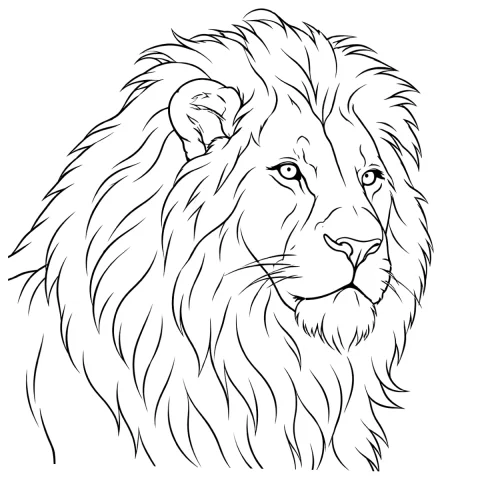
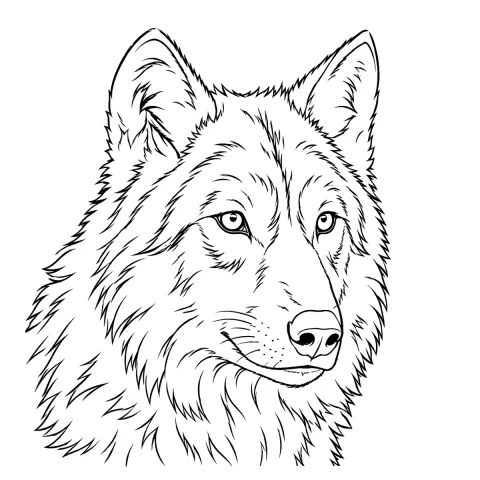
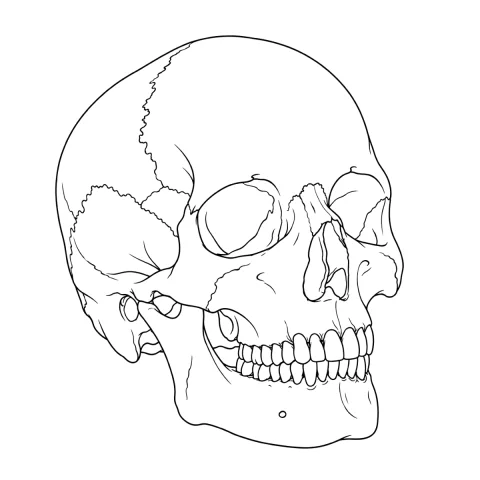
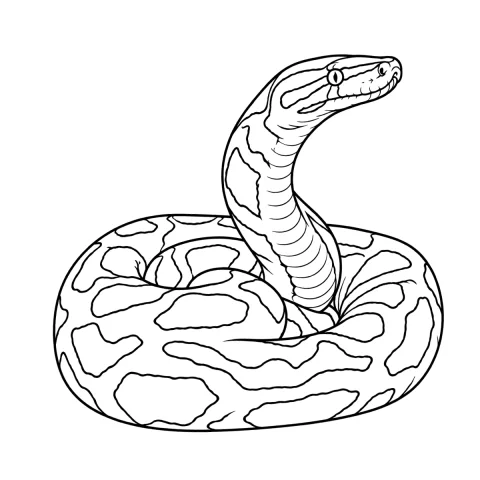
Free stencils to start this style from
Frequently asked questions
Should a blackwork stencil have the solid areas filled in black?
No. Fill the boundary only. A stencil with a large filled area deposits far more transfer ink than the skin can hold in place, and the first stretch or wipe drags it across the edge you needed. Mark the outline, tick the side that gets packed, and leave the interior white.
Which extraction mode works best for blackwork?
Outline, in nearly every case. It draws contour lines only and never fills, which is exactly the split a blackwork design needs. Linework, the default mode, keeps near-black areas as solid fills, so it is a reasonable second choice only when the fills are small enough that a solid transfer will not smear before you reach them.
How small can a negative-space gap be before it disappears?
As a working rule, treat anything narrower than about 2 to 3 mm at final printed size as at risk. Packed black spreads slightly during healing, and a gap that reads clean on the stencil can close into the surrounding fill within a few weeks.
How do I stencil the second session of a large black fill?
You align it by eye against the healed edges of the first session; a printed sheet cannot register itself to existing work. Print the same file at the same size, cut close to the boundary that borders finished black, and check the fit on skin before you commit to the transfer.
Can I make a blackwork stencil from a photo of my own drawing?
Yes, if the drawing is photographed square-on with even light and lands above roughly 1000 px on the long edge. Below that you are redrawing rather than converting, and redrawing the shapes with the photo guide under the stencil will get you a cleaner result than any amount of slider work.