
Japanese
Japanese Tattoo Stencils: Background Flow at Full Body Scale
Direct answer
A Japanese tattoo stencil has to carry two things at once: the bold, even outline that defines the motif and the background of water, wind bars or clouds that ties it to the rest of the body. That usually means a Linework pass for the koi, peony or wave contours, with the background's value steps taken from a Tonal pass — which maps them as dotted lines rather than gray — and drawn onto the same stencil before it is tiled. At back or sleeve scale, plan the tiling and the session breaks before the first transfer; InkLine tiles a design across up to 3 × 3 sheets.
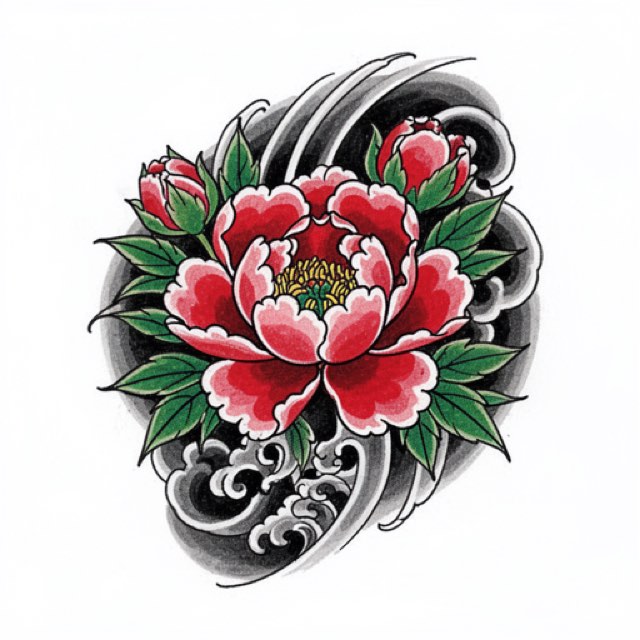
A Japanese piece is not a set of motifs that happen to sit near each other. The koi, the peony, the dragon — whatever the subject — are held together by a background of water, wind bars and clouds that runs continuously across the body, and that background is what makes the piece read from across a room. A stencil that treats the motif as the artwork and the background as filler falls apart at the transfer stage, because the background is where every alignment decision actually lives.
Build the background first, then hang the motifs on it
The single most useful change you can make to your process at this scale is inverting the usual order. Most people finalize the koi, then draw water around it. On a piece that spans a back or a full sleeve, do the opposite.
- Set the flow line across the whole area at full size before anything is finalized. One continuous direction the water or wind travels — usually diagonal across the back, or spiraling down a sleeve. Everything else is positioned relative to that line.
- Split the artwork into two passes, then combine them on one stencil by hand. A Linework pass carrying motif contours plus the leading edges of the background, and a Tonal pass mapping the background’s gradation. InkLine does not merge two modes into one stencil, and a mode applied on top of another processes that result rather than the photo, so run Tonal on the photo first and save it to Photos as your reference, then step back to the photo on the timeline and run Linework. Draw the boundaries you actually need onto the Linework result in the editor, with the photo guide under the stencil to show where they fall.
- Print the merged stencil as one tiled layout, not as separate reduced images. If you print pieces “fit to page” you get different scales and they will never register.
- Transfer the background flow first at every session. It is the reference for the motif, not the other way around.
The reason this matters is drift. A motif transferred an inch off its planned position can be absorbed — you adjust the background around it. A background transferred an inch off means the wave crest steps where it crosses into last session’s healed work, and there is no way to hide a stepped crest short of tattooing over it. Working background-first means the thing that cannot be corrected is the thing you commit to first.
One practical habit: stop each session’s stencil a hand’s width short of where you intend to finish, and re-stencil into the healed edge next time. You are then aligning fresh paper lines against visible healed lines rather than against a mark you made weeks ago.
What a good Japanese stencil has to show
The style demands a visible hierarchy. Three tiers of weight have to survive from screen to paper to skin, and if they all print at the same thickness you have lost the structure that makes the piece legible.
| Element | What the stencil must carry | Rough stencil line at 40–60 cm print height |
|---|---|---|
| Motif contour (koi body, peony, dragon) | One continuous closed line, even thickness, no gaps | 0.6–0.8 mm |
| Background finger waves and wind bars | Direction and spacing, not final density | 0.4–0.5 mm |
| Solid black background | The boundary shape only, left empty inside | 0.6–0.8 mm boundary |
| Interior detail (scales, petal folds) | Indication where it clarifies form, omitted elsewhere | 0.3 mm, only if 2 mm clear of a neighbor |
| Gradation | Discrete value steps, not a smooth ramp | n/a |
Those widths are for the transfer, not the tattoo. A koi’s contour may be laid 2 to 3 mm wide, but that weight comes from the liner and the pass; the stencil only has to put the center of the line in the right place, and a transfer line as fat as the finished one smears into a band the needle can wander inside. Scale makes this the style where it goes wrong most often: a drawing printed as drawn at back size is enlarged several times, lines included, and InkLine’s print screen warns when the typical line will print heavier than 0.8 mm. The Medium and Bold settings redraw it at 0.4 or 0.5 mm; printing as drawn keeps your tiers as long as the heaviest stays under that warning.
Three checks before you commit ink to paper. Line continuity: zoom to 100 percent at print size and look for broken contour segments — a motif outline that reads as solid on a phone screen frequently shows hairline gaps when it is scaled to 50 cm. Separation: anything under roughly 2 mm apart on paper will merge on skin, worse over a stretched rib cage or the outside of a bicep. Fill discipline: black background areas should be an empty outlined shape. Printing them solid wastes a cartridge and gives you a transfer that hides the very lines you need underneath it.
The deliberate omission is the part people get wrong. A finished Japanese background may have four times the line density of its stencil. The stencil’s job is to fix the direction, the crest positions and the boundaries; the packing happens at the machine, where you can respond to how the skin is taking ink.
Linework for the motifs, Tonal for the background
Two modes carry almost all of this work, and it is worth understanding why the other four usually do not.
Linework is the correct pass for the motif contours and the leading edges of the waves and wind bars. Keep Detail moderate rather than maximum — pushed high it promotes paper fiber and pencil roughness into full-strength marks, and at back scale each of those artifacts prints two or three times larger than you are used to. Back Intensity off past the point where the preview looks slightly weak. One behavior to plan for: Linework keeps near-black areas as solid fills, leaving out only dark backdrops that run off the edge of the picture, so an enclosed black background panel arrives solid. The fill-discipline check above says to empty it — erase it back to its boundary, or pull that region in Outline, which draws contour lines only and never fills.
Tonal is the pass for the background gradation, cloud masses and smoke. It draws them as a black-and-white shadow map — dotted lines where each of two to four shadow levels begins, hatching over the darkest — which is the “discrete value steps, not a smooth ramp” the table asks for, in a form that transfers. Line modes run over the same wash either drop it entirely or convert it into concentric contour rings that mean nothing on skin. Take only the boundaries you need; at back scale the full map often carries more lines than a stencil should.
Denoised, which runs Linework on a noise-reduced copy, is the sensible starting point when your source is a grainy phone photo of a large drawing, which it usually is at this scale, because a 60 cm sheet does not fit a scanner. Sketch keeps shading as pencil gray, and the gradation is the needle’s job here, not the stencil’s. Dotwork is a poor fit here despite the visual similarity: traditional Japanese gradation is packed with the needle, and a stippled stencil at body scale produces a field of dots that reads as noise rather than as direction. If you want to reason through the mode choice for a specific source, which stencil mode for which design walks through it.
Two notes on the tooling. Cleanup is available on Linework, Sketch, Denoised and Outline only, and on a Japanese Linework pass it should be used sparingly — background line ends are thin and taper, and an aggressive cleanup pass reads them as specks. And running the same source twice is cheap: processing in InkLine happens on the device, so the second pass costs seconds, not data — as long as you step back to the photo on the timeline first, rather than running the second mode on top of the first.
Tiling, sheet counts, and where the seams should land
Nothing about this style fits one sheet. A 45 × 60 cm back layout is roughly nine A4 sheets or four A3 sheets once printable margins are accounted for; a half sleeve panel at 20 × 35 cm is two to four sheets depending on orientation. Nine sheets is the tiler’s ceiling — up to 3 × 3, with AUTO picking the fewest that fit — so a full back on A4 sits right at the limit, and anything larger moves up to A3 or Tabloid. Print it as one tiled job at a fixed scale rather than as separate images, so every tile shares an origin. InkLine handles multi-page tiling on all five of its paper sizes, portrait or landscape, and labels every sheet with its place in the grid, which at nine sheets saves real time; printing a stencil larger than one page covers the assembly step in detail.
The decision worth making consciously is seam placement. Nudge the design on the page so that tile boundaries cross background water and empty space, never a motif’s face, eye or a peony’s center. A 1 mm alignment error along a wave line is invisible. The same error through a koi’s eye is the first thing anyone will see for the next thirty years. It costs nothing to shift the layout 3 cm before printing and everything to discover the problem after transfer.
Assemble on a flat surface: cut each seam on one side only — on an InkLine set, the left or upper sheet, along the dashed cut line — lay that edge over the registration marks on the next sheet, and tape from the back. Check the assembled master, then cut it apart and transfer section by section. Be honest with yourself about the hardware: a phone and a home inkjet is a good answer for a one-off piece, an apprentice’s practice work, or a convention where your usual setup is not available. It is not a replacement for a dedicated thermal stencil printer at shop volume.
Placement: the composition follows the body, not the paper
Japanese composition is built around the fact that bodies move. The back reads with the spine as an axis and the flow running diagonally across the lats, so it should be positioned with the client standing in a relaxed posture, not seated and hunched over a chair back. A sleeve is a cylinder, and every stencil is a flat projection of one — the areas that stretch most, the inner bicep and the crook of the elbow, are where a flat layout distorts hardest, so those are the areas to leave loosest in the stencil and resolve freehand.
Ribs, chest and thigh work as panels within a larger design, and the same background flow should visibly continue across the gaps between them even when the gaps are never tattooed. Mirror and flip are useful here for laying out a matching panel on the opposite side, but flip the reference and redraw rather than transferring a literal mirror image — a mirrored dragon is immediately recognizable as a copy of itself.
Two limits to keep in mind. The on-skin preview is a visualization, not a measurement of how a design sits on a curved surface, so it belongs in a conversation with a client and not in a sizing decision. And below roughly 1000 px on the long edge, no processing mode rescues a photographed source into a clean stencil; you are redrawing rather than converting, and the photo guide — the original photo under the stencil at an adjustable opacity while you draw — is the better tool for that. The back tattoo stencil page goes further into positioning and sizing for the largest canvas.
Multi-session work and how the piece ages
A back piece is a relationship measured in months. Keep the full-size master as a saved image and load it again each session rather than rebuilding it from the photo; erase the already-tattooed region and print only what covers the next area, so healed ink and fresh stencil are not competing for your attention. Know what reopening does: loading the master from the gallery brings back the flat image only — not the mode, sliders, step history or print layout — and it counts as a new image load toward the free allowance. The size you type is the size of the lines that remain once blank margins are trimmed, so measure the remaining area on the master and type that, or the new sheets will not match the healed work. Stroke undo in the editor, and the step timeline behind it, make an over-aggressive erase reversible.
Plan session breaks along background seams — the trailing edge of a wave, the boundary of a cloud mass — never through the middle of a motif. Skin that has healed for six weeks and skin tattooed an hour ago take ink differently, and a boundary that runs through a peony makes that difference permanent and visible.
On aging, the style is unusually well behaved and it is worth knowing why. Heavy motif outlines and solid black background hold their read for decades, which is the whole point of the tradition’s line weight conventions. What softens is the fine work: interior scale detail under about 1 mm blurs, the lightest steps of a gray background wash are the first thing to fade, and tightly packed background lines migrate toward each other. Design the stencil knowing this. If a detail only works because it is 0.5 mm from its neighbor, it is a detail that will not exist in ten years.
InkLine covers the processing, editing, print layout and export side of this. That manual workflow runs locally on the device and is free up to an allowance on how many images you carry through it; past that allowance it needs a subscription. AI generation is credit-based and needs a network connection.
Working inside the tradition without copying from it
The motifs carry meaning, and the pairings are conventional rather than decorative. Water goes with koi and dragons; wind bars go with tigers and flowers; clouds go with dragons and phoenixes. A koi swimming upstream and a koi swimming downstream are not the same statement. None of this is obscure, and a client who has chosen this style has usually read about it — knowing the conventions is part of the job, and choosing to break one deliberately is different from breaking it by accident.
Two boundaries worth stating plainly. Do not convert a photograph of someone else’s finished tattoo into a stencil; it is their design, it is generally protected, and photographed skin converts badly regardless. And avoid presenting borrowed compositions as your own work — the way into this style is drawing the grammar until it is yours, the same as with any other tradition that has rules. The example image on this page is an AI-generated design rendered in the app, not a photograph of a tattoo.
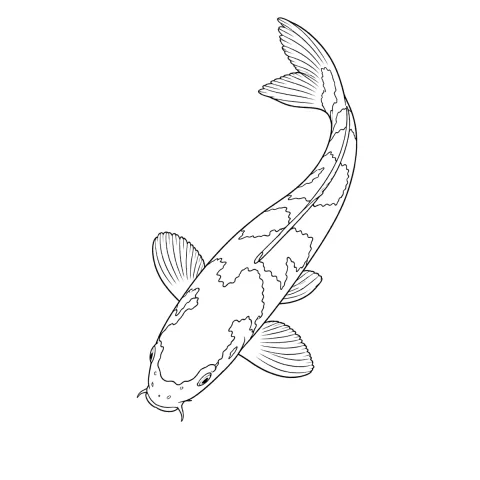
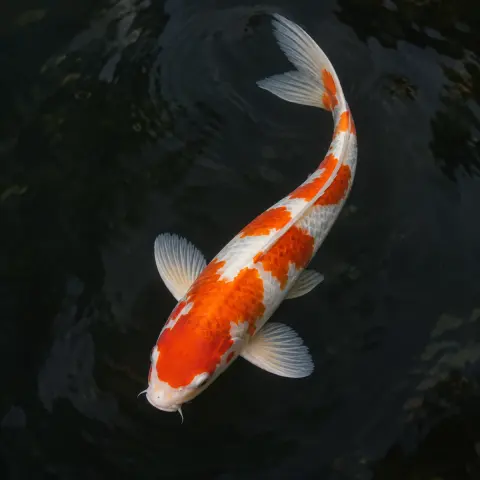
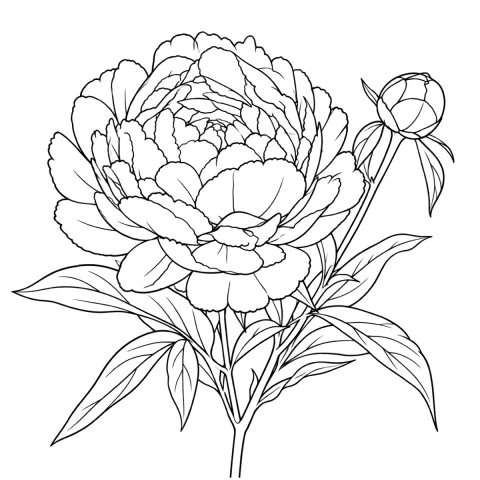
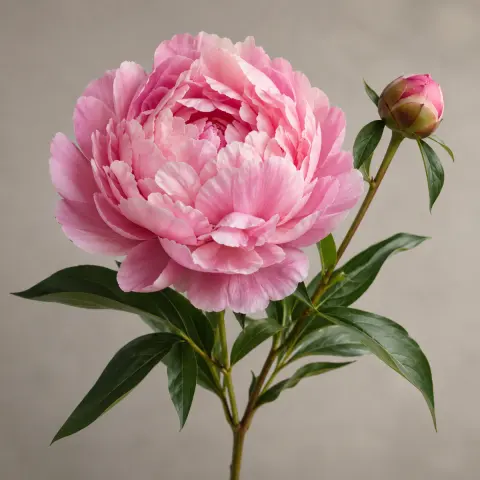
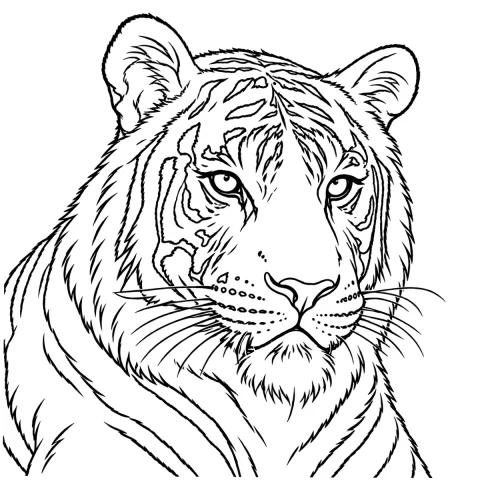
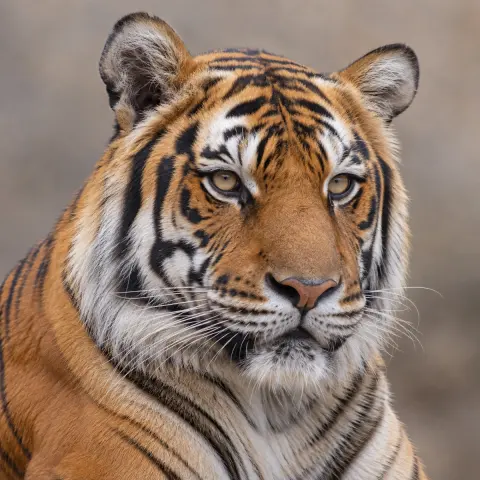
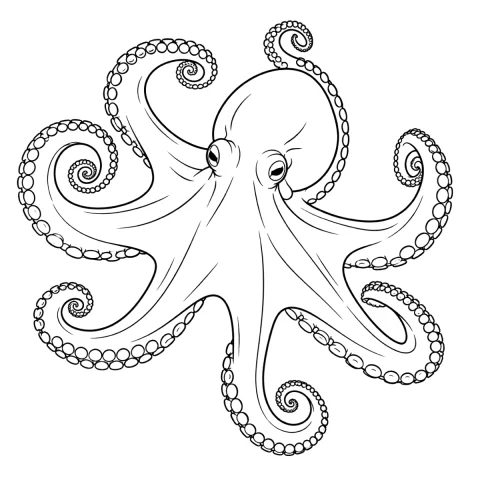
Free stencils to start this style from
Frequently asked questions
Can I print a full back piece stencil at home?
Yes, as tiles. A 45 × 60 cm back layout needs roughly nine A4 sheets or four A3 sheets, printed as one tiled job at a fixed scale, checked as a taped master and then transferred section by section; nine sheets is InkLine's limit, so anything larger moves up to A3 or Tabloid. A home printer plus a phone does not replace a dedicated thermal stencil printer for shop-volume work, but it handles a one-off piece or travel work well.
Which extraction mode should I use for the water and cloud background?
Tonal, in a separate pass from the motifs. The background is defined by value steps and flow direction rather than by hard edges, and Tonal maps those steps as dotted lines where each shadow level begins, with hatching over the darkest, instead of printing gray. A line mode run over a wash will either drop it entirely or turn it into contour rings that mean nothing on skin.
How do I keep the stencil aligned across multiple sessions?
Register to the background, not the motifs. Keep the full-size master saved as an image, and for each session load it again and print only the area you need with the already-tattooed part erased, so you are aligning fresh flow lines against healed flow lines instead of guessing at a motif edge. The size you type is measured across the lines that remain, so measure that area on the master and type its size, or the scale will drift.
Does the stencil need every background line the finished tattoo will have?
No, and it should not have them. Lines closer than about 2 mm on paper merge into one another when transferred onto stretched or curved skin, so the stencil should carry direction and spacing while the final density is packed in at the machine.
Can I use a photo of an existing Japanese tattoo as my source image?
Not as artwork to convert. Someone else's tattoo is their design and is usually protected, and a photo of skin under studio light rarely converts into usable linework anyway. Use references to learn the grammar of the style, then draw your own composition and convert that.