
Watercolor
Watercolor Tattoo Stencil: What to Include, What to Leave Out
Direct answer
A watercolor tattoo stencil is a placement map rather than a tracing: it carries the design's structural anchor lines and the outer boundary of each wash zone, and leaves the soft bleeds and color transitions to be judged freehand at the machine. Tonal mode is the closest match because it marks where each value step begins with a dotted line instead of printing gray, while Linework suits a separate anchor pass. Cleanup is unavailable in Tonal, so stray specks are erased by hand rather than sliders. In InkLine both modes run locally on the device.
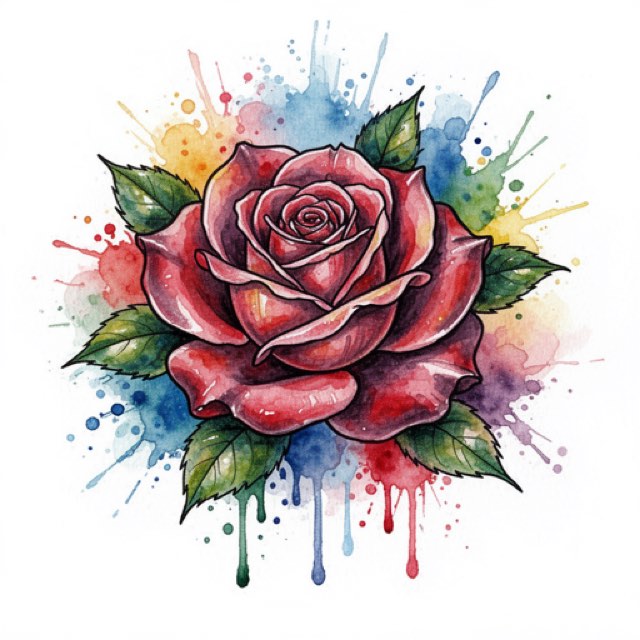
Watercolor is defined by the parts of a design that cannot be transferred. Splash, bleed, feathered edge, the moment one wash runs into another — none of that is line, and a stencil carries only line and value. That does not make a stencil pointless here. It changes what the stencil is for. It stops being a tracing and becomes a map that keeps a deliberately loose design from drifting while you build it.
What belongs on the stencil, and what stays off it
The single decision that makes a watercolor stencil work is a subtractive one. Most people process the reference painting, get a gray mush, and conclude the style does not stencil. The gray mush is the result of trying to transfer everything. Transfer these three things and nothing else:
| Element of the design | On the stencil | Why |
|---|---|---|
| Structural anchor lines — a beak, a stem, a jawline, a wing edge | Yes, at full weight | These are the marks that define the piece and they are the marks that will still define it after years of diffusion |
| Zone boundaries — the outer limit each wash may reach | Yes, as a deliberately broken line | You need to know where a wash stops, but you must never tattoo that line |
| Value steps inside a wash — light, mid and dark bands | Sometimes, as tone rather than line | Useful on large pieces where a gradient runs 15 cm or more; noise on anything smaller |
| Soft bleeds and feathered edges | No | Nothing that transfers legibly can also read as soft; you judge these at the machine |
| Splatter, drips and spray | Position marks only — three to six registration dots | Splatter drawn out in full stops looking accidental, and accidental is the entire effect |
| Color boundaries | No | A monochrome transfer cannot carry hue; a pale yellow and a pale blue arrive as the same gray |
| Paper grain or canvas texture from the source | No | It survives the conversion as speckle and reads as dirt on skin |
That table implies a rule most stencils for other styles never need: a watercolor stencil uses two line weights on purpose. Anchor lines go on solid and confident, because those are lines you will actually tattoo. Zone boundaries go on light and broken — dashes, ticks, a few corner marks — because they are instructions to yourself, not marks for the skin. If both weights come out the same, you will find yourself outlining a wash halfway through the session and losing the softness the client came for.
The practical consequence is that a good watercolor stencil looks alarmingly empty next to the reference. A finished piece might be mostly wash, while the stencil is a handful of lines and a few dotted boundaries. That sparseness is correct. Compare it to a minimalist stencil, where the sparse result is the whole design; here the sparse result is scaffolding for something much larger.
Two passes: Tonal for the wash map, Linework for the anchors
No single extraction gives you both layers well, so run the source twice. Processing in InkLine is local, so a second pass over the same image costs seconds and no data.
Pass one, Tonal. Tonal turns the image into a black-and-white shadow map: light outlines, a dotted line where each of two to four shadow levels begins, and hatching over the darkest. It prints no gray at all, because gray does not transfer — and a dotted line at the edge of each value zone is very close to the broken zone boundary in the table above. Adjust Intensity while you watch where those dotted lines land: the goal is one boundary per wash zone, not a contour map of every pigment pool, and pushing a low-contrast source hard can turn three distinct washes into one hatched mass. Detail should come down too: you want the shape of each zone, not the fibers of the paper it was painted on. Note that Cleanup is unavailable in Tonal, by design, because the dots and hatching are the artwork. Stray specks come out with the eraser instead, and stroke-by-stroke undo makes an over-aggressive erase reversible.
Pass two, Linework. If your source has genuine linework under the color — most illustrative watercolor designs do — Linework traces it as solid black lines. This is your anchor reference. InkLine does not merge two modes into one stencil, and a mode applied on top of another processes that result rather than the photo, so work in this order: run Linework on the photo and save it to Photos, step back to the photo on the timeline and run Tonal as your base, turn on the photo guide in the editor so the original sits under the stencil, and draw the anchors over it with the Pen brush, using the saved Linework pass to see where they run, so they are unmistakably heavier than everything around them. One thing to watch: InkLine’s default grayscale is color-aware and keeps the line between two colors of the same brightness, which is what you want for anchors and not for the edge between two washes. Where Linework draws a line between two colors, leave it off the anchors.
Sketch deserves a warning of its own, because it looks the closest on screen. It keeps shading as pencil gray, and gray is exactly the half of the range transfer loses first.
Two more modes to avoid here. Outline looks like the obvious choice and is usually wrong: it extracts contours and discards interior tone, and a watercolor source has very few real contours, so it returns disconnected fragments of the strongest color edges. Dotwork is a mismatch of intent rather than of image — stippled dots tell you to build tone by packing points, which is the opposite technique. Denoised, which runs Linework on a noise-reduced copy, is worth a pass only when your source is a grainy photograph of a physical painting rather than a digital file. The mode selection guide covers the general logic; watercolor is the case where the general logic most needs overriding.
Line weight, contrast, and what actually survives transfer
A watercolor stencil fails at transfer more often than it fails at extraction, and for a specific reason: the style’s defining values sit in the light half of the range, which is the half transfer loses first.
Three things to hold in mind at print time. First, anything lighter than a mid gray on screen is a coin flip on transfer paper and close to invisible on darker skin — if a boundary matters, make it a broken dark line rather than a pale continuous one. Second, tonal bands closer together than roughly 3 mm at final print size tend to merge into one band, so a gradient you can see clearly on an iPad at arm’s length may arrive on skin as a flat tone; size the piece for the gradient, not the other way round. Third, the source resolution floor is real. Below roughly 1000 px on the long edge you are redrawing rather than converting, and watercolor sources are frequently phone photos of a sketchbook page shot at an angle. Sharpen and the optional 2x upscale on import help at the margin, but the upscale resamples the pixels rather than recovering detail the camera missed. If lines are arriving broken or patchy, why stencil lines break up works through the causes in order.
Placement: a style that needs a plane, not a curve
Washes read as shapes, and shapes distort when the canvas folds. Watercolor sits best on broad, relatively flat planes with a predictable resting position: outer thigh, upper arm, calf, upper back. The thigh is the most forgiving of all, because it offers enough continuous area for a gradient to develop and it does not crease across the middle of the design.
Ribs, the inner elbow, knuckles and the side of the hand are the hard cases. Not because the stencil will not stick, but because a soft-edged wash that crosses a crease loses its shape every time the client moves, and there is no black outline to tell the eye where the form was supposed to be. If a watercolor piece has to go somewhere mobile, add structure — more anchor line, more contained edges — rather than hoping the wash carries it.
Size matters more here than in most styles. A watercolor design large enough for the washes to develop is frequently larger than a single sheet of paper. InkLine tiles a design across up to 3 × 3 sheets of US Letter, US Legal, Tabloid, A4 or A3 in portrait or landscape, and prints on an AirPrint printer or exports a PDF at the chosen paper size. For a full outer thigh piece, expect to tile.
Aging, and where the stencil decides it
The debate about watercolor longevity is usually argued with the wrong evidence. Healed photos at six months prove very little, and there is no public long-term dataset that settles the question. What can be said with confidence is mechanical: pigment laid light and unanchored diffuses at the edges, and a design with no dark structure has nothing left to define its shape once that diffusion happens. The versions of this style that hold up are almost always the ones carrying some black — a partial contour, a branch, a silhouette the washes sit behind.
This is where the stencil stops being a production step and becomes a design decision. The anchor lines you choose to put on the transfer are, in practice, the lines that will still be reading the piece in a decade. Deciding them while you are looking at a black-and-white extraction, before any color exists to distract you, is a better process than deciding them halfway through a session. Say it to the client in those terms too: the stencil is the honest preview of what the tattoo looks like when the color has softened.
When the stencil is the wrong tool for the job
If a design is overwhelmingly wash with almost no structure, printing a full stencil is effort spent on something you will ignore. Two better routes. Print a minimal anchor-only sheet — four or five marks establishing scale and orientation — and work everything else freehand. Or skip transfer entirely and keep the design open on the iPad beside you; InkLine’s Reference view lays the stencil’s lines, tinted, over the faded photo, so the anchors and the color read together at a glance.
Two limits worth stating plainly. The on-skin preview is a visualization, not a measurement of how a design sits on a curved surface, so it should not settle a sizing argument with a client whose thigh the piece has to wrap. And a phone plus a home printer is not a replacement for a dedicated thermal stencil printer at shop volume; it is a strong answer for one-off, travel and after-hours work, which is a different claim.
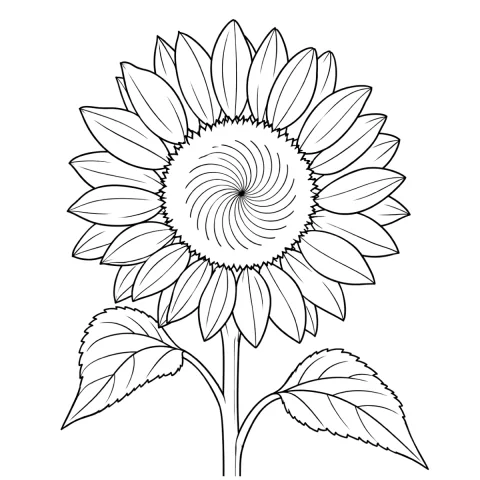
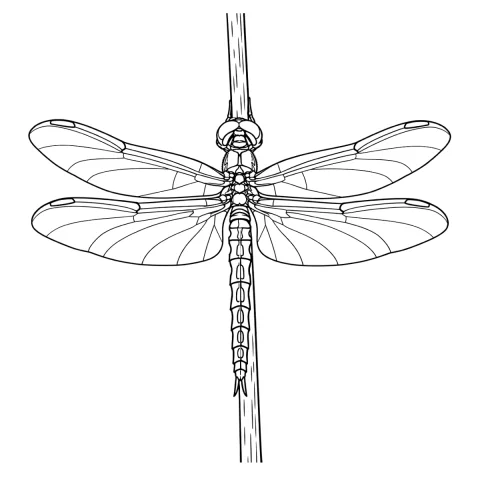
On cost, so there is no surprise later: InkLine is a free download; the manual stencil workflow of processing, editing, print layout and export is free up to an allowance on how many images you carry through it, and past that allowance it needs a subscription; the AI generation features run on a separate credit system. The allowance counts images carried through the workspace, so it is worth knowing about before a run of client pieces rather than midway through one. The example image on this page is an AI-generated design rendered by the app, not a healed tattoo or client work.
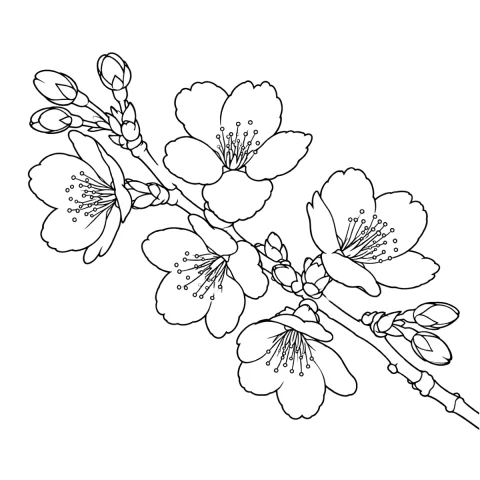
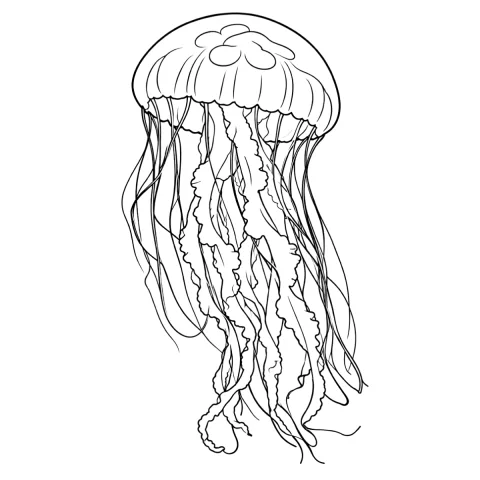
Free stencils to start this style from
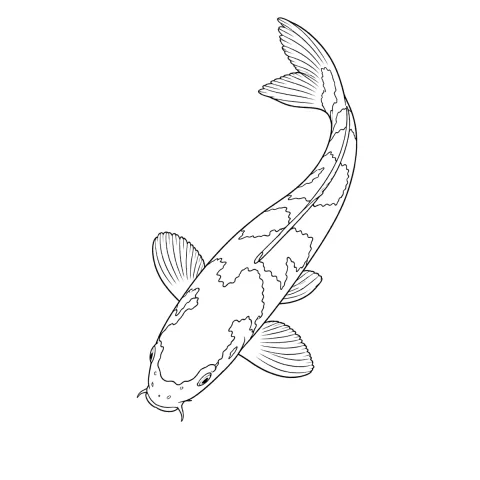
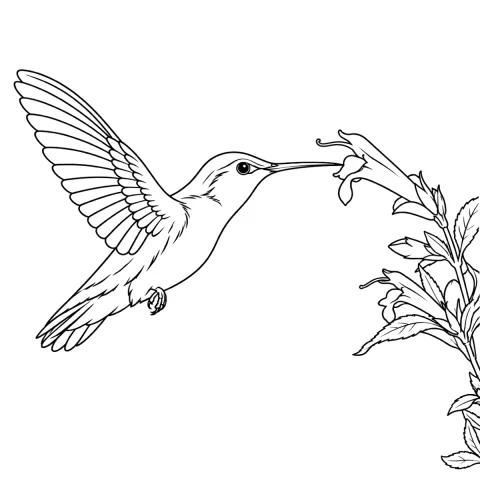
Frequently asked questions
Can you even make a stencil for a watercolor tattoo?
Yes, but not a tracing. A watercolor stencil marks the structural lines that will still be there in ten years and the outer limit each wash is allowed to reach. The bleeds, the gradients and the color decisions happen on skin, with the stencil holding the composition in place while you work.
Which extraction mode is best for a watercolor design?
Tonal, because the style lives in graded value rather than in hard edges, and Tonal marks the start of each value step with a dotted line — the broken boundary a wash zone wants — without printing any gray. Linework is the useful second pass when your source has real linework buried under the washes. Outline usually fails here: it hunts for hard edges, and a watercolor source has very few, so it returns disconnected fragments.
Should the stencil show the colors?
No. A transfer is monochrome, and trying to encode hue as gray value produces a stencil where a pale yellow and a pale blue look identical. Keep color on a separate reference you can see while you work — InkLine can render a full-color preview from a stencil, which is a reference image, not something you print onto transfer paper.
Do watercolor tattoos fade faster than other styles?
Light, unanchored pigment tends to read softer sooner than solid black, and a design with no dark structure has nothing to hold its shape as edges diffuse. There is no public long-term dataset settling this, and a healed photo at six months says little about year ten. The practical response is to decide at the stencil stage which lines are permanent structure.
How small can a watercolor piece go before it stops reading?
Washes need room to show a value change. Once a zone is narrower than about a centimeter, the gradient inside it collapses into a single flat tone and the piece reads as a blurry blob rather than a wash. Small watercolor work generally needs more black structure, not less.