
Minimalist
Minimalist Tattoo Stencils: Line Weight, Size Floors and Aging
Direct answer
A minimalist tattoo stencil is harder to get right than a dense one, because a single wobbly line is a large fraction of the finished tattoo rather than one detail among hundreds. Keep the printed stencil line thin and continuous — roughly 0.3 to 0.4 mm, InkLine's Fine or Medium setting — keep the gap between separate elements at or above roughly 2 mm, and start from a source of at least 1500 px on the long edge rather than the 1000 px floor that busier work tolerates. In InkLine, Linework traces the solid single-weight line these designs read as, and Denoised runs the same tracing on a noise-reduced copy, removing the sensor grain that would otherwise survive as intentional-looking dots.
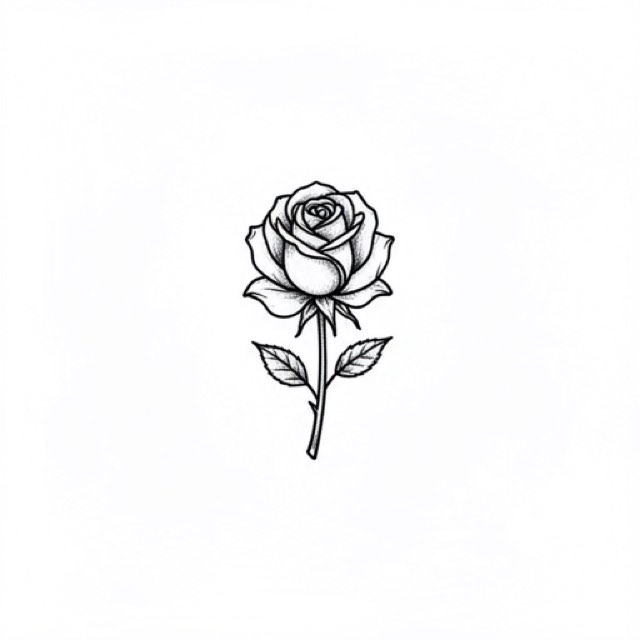
Minimalist tattooing removes the safety net. A traditional piece carries bold outlines and solid black that hide a stroke which drifted half a millimeter; a five-line botanical on a wrist has nothing to hide behind. That inverts the usual assumption about stencils. The simpler the design, the higher the demands on the source image, the extraction, and the transfer — because every line you keep is a larger share of the tattoo.
Minimum feature sizes that survive the transfer
Think of a stencil as having an error budget. A blackwork sleeve might contain 400 discrete marks, so one that transfers 0.3 mm off is 0.25 percent of the piece and nobody will ever find it. A minimalist design might contain six marks. The same 0.3 mm error is now visible from across a room, and there is no shading later in the session to bury it.
That budget translates into concrete numbers. These are working figures, not laws of physics — different papers, transfer solutions and needle configurations shift them — but designs that sit outside them tend to cause problems and designs that sit inside them tend not to.
| Feature | Working figure on the printed sheet | What happens outside it |
|---|---|---|
| Stencil line weight | ~0.3–0.4 mm and continuous (about 4–5 px at 300 dpi) | Under about 0.2 mm it breaks into dashes on transfer; pushed toward 1 mm it smears around a fine needle |
| Gap between two parallel lines | ~2 mm (about 24 px at 300 dpi) | Both lines spread over time and the gap closes, so two strokes read as one thick stroke |
| Enclosed negative space, such as the counter of a small letter | ~1.5 mm across | Fills in and the shape loses its identity |
| Deliberate standalone dot | ~1 mm | Indistinguishable from a printing speck at the machine, and easily lost |
| Lettering cap height | ~6 mm | Legible on the day, commonly unreadable after several years of line spread |
The arithmetic is worth internalizing because it is the fastest sanity check you have. At 300 dpi, 1 mm is 11.8 px. So a 0.3 mm line is about 3.5 px wide and 0.2 mm is under 2.5 px; if you zoom your design to 100 percent on a 300 dpi print layout and the line looks like a single-pixel hairline, it is about a third of what it needs to be. The stencil line is thinner than the tattooed line on purpose: it marks where the center of the needle goes, and the weight of the finished line comes from the needle.
The check that catches almost everything: export or print the design at final size, then hold the sheet at arm’s length, about 60 cm away. Anything that merges at that distance has already failed, because your eye at the machine will be closer but the transferred line will be weaker than the printed one. Judging fine line on a pinch-zoomed screen is the single most common way people talk themselves into a stencil that cannot be tattooed.
Why the resolution bar is higher, not lower, for simple designs
There is a widespread assumption that a simple design needs less source resolution because there is less to capture. The opposite holds. Below roughly 1000 px on the long edge, a photo cannot be rescued into a clean stencil at all — you are redrawing rather than converting. For minimalist work, treat that as an absolute floor and aim for 1500 to 2000 px, even though the design might only contain a handful of strokes.
The reason is quantization. Any extracted edge is snapped to the source pixel grid, so a converted line always carries a small amount of jitter along its boundary. In a dense piece, a two-pixel wobble sits next to fifty other marks and disappears into the texture. On a single 10-pixel-wide stroke that runs the length of a forearm, that same two-pixel wobble is 20 percent of the line’s width and it is the only thing on the page. The eye finds it immediately. Photo resolution for tattoo stencils covers how to measure what you actually have before you commit to it.
InkLine’s optional 2x upscale on import — on by default for images under 2000 px — gives the tracer more pixels to work with, but understand what it does: it resamples the pixels rather than adding detail. On a textured, busy stencil, a soft edge reads as texture and nobody is harmed. On a single continuous line, a soft edge becomes a wobble you will tattoo. Use it to scale a clean source up, never to rescue a soft one.
If you are shooting your own drawing, the fixes are unglamorous and they work. Fill the frame with the paper, shoot straight down rather than at an angle so the strokes are not distorted, use even indirect light so the paper texture does not cast micro-shadows, and photograph ink rather than pencil where you can. A soft pencil line photographed under a lamp produces a fuzzy gray band that no mode can convert into a crisp, continuous line.
The two modes that fit, and where each one breaks
Linework is the default for this style, and the mode InkLine starts a new user in. It traces solid black lines along the picture’s contours — which is exactly what a minimalist design is, structurally — and it keeps the short strokes and single dots that Outline’s coarser trace can lose. Check one thing against the source, though. Real single-needle work usually carries taper: a stroke that swells slightly through a curve and lifts at the ends. A traced line can come back more even than the stroke you drew, and when it does, the stencil is correct and the character is gone.
That is a fixable loss, and it is worth fixing before printing rather than improvising at the machine. With Apple Pencil and the Pen brush set to pressure, thicken the belly of a curve by a fraction of a millimeter and lift the terminals, with the photo guide under the stencil so you are working against the original. Stroke-by-stroke undo means an over-thickened stroke is one tap back.
Denoised is the mode for anything grainy that came out of a camera — it runs Linework on a noise-reduced, lightly smoothed copy — and this style is the strongest case for it on the whole site. On a dense stencil, sensor grain hides inside the density; the artist never distinguishes noise from intent because there is too much going on. On a minimalist stencil, every surviving speck is a candidate mark. Nobody at the machine can tell a grain speck from a deliberate dot accent when there are only four dots in the entire design.
The Cleanup slider deserves a specific warning here. It is available on Linework, Sketch, Denoised and Outline, and it is the most useful slider you have for this style — but it removes small isolated marks, and in a minimalist design your deliberate single dots are small isolated marks. Apply it in small increments and then verify that every intended dot is still present. If Cleanup eats them, back it off and erase the noise by hand with the eraser instead.
Two mode notes that are easy to miss. Outline is coarser and stricter than Linework; it is the fallback when a textured source keeps producing specks, at the cost of the shortest strokes, and Sketch adds the gray shading of a pencil drawing, which is the last thing a fine line needs. And Dotwork and Tonal have essentially no role in this style, because there is no tone to render — running a five-line design through Tonal produces five lighter lines and no information you did not already have. Which stencil mode for which design has the full decision table if your source is ambiguous.
Placement, scale, and the sizes people actually ask for
Minimalist requests cluster on small, flat, low-friction real estate: inner wrist, inner forearm, collarbone, ankle, behind the ear, the side of a finger. Small scale compounds every constraint above, because the floors in the first table are absolute millimeters, not proportions. Shrinking a design by 40 percent shrinks its 2 mm gaps to 1.2 mm and moves them below the line.
The wrist is the most-requested placement for this style and sits in the middle of the difficulty range — flat enough on the inner face, but it stretches and creases at the joint, and the sides curve away faster than most people expect from a photo. The wrist stencil placement notes cover the sizing consequences. Fingers, the side of the hand and the tops of feet are where fine line has the hardest time, for reasons that have nothing to do with the stencil: friction and faster skin turnover.
InkLine’s on-skin preview is useful for talking through scale with a client, but it is a visualization, not a measurement of how a design sits on a curved surface. For a small piece that wraps a wrist, the honest step is to print at final size, lay the sheet on the actual arm, and look at what the curve does to the outer strokes before you transfer.
One small mercy: minimalist designs almost never need multi-page tiling. One sheet is nearly always enough, so the print stage is the easiest part of this style rather than the hardest.
The honest part: how fine line ages
Fine line work is widely reported by tattooers to age less forgivingly than bold traditional work, and a page about minimalist stencils that skips this is not being useful. Two mechanisms come up consistently. Less pigment is deposited per line, so ordinary fading removes a larger percentage of what is there. And pigment migrates slightly in the dermis over years, so a stroke that was 0.5 mm at two weeks is wider and softer at ten years.
The practical consequences follow directly from the first table: tight gaps close, small enclosed shapes fill in, and tiny lettering becomes a legible-in-photos, unreadable-in-person smudge. Adjacent parallel lines are the most common casualty, because two strokes that both spread by 0.2 mm lose 0.4 mm from the gap between them.
None of that is an argument against the style. It is an argument for headroom, and headroom is free at the design stage. The same composition at 9 cm instead of 4 cm keeps every proportion identical while doubling every millimeter that matters. If a client insists on text below about 6 mm cap height, the useful thing to do is describe what it will look like in five years and let them decide with that information.
It is also worth being clear about what a stencil app does and does not influence. InkLine’s job ends when a correctly sized, clean, high-contrast line reaches the paper. Longevity after that is a function of needle configuration, depth, placement, sun exposure and skin — none of which any app touches. If lines are dropping out during the session rather than over years, that is a different problem, and why stencil lines break up is the page for it.
A two-minute check before you transfer
- Set the design to its final physical size in the print layout and export at 100 percent. Do not evaluate fine line at any other zoom level. Set the line weight to Fine or Medium: it redraws the stencil so the typical line prints at 0.3 or 0.4 mm whatever size you chose. Left on As drawn, the print screen warns if the line will print thinner than 0.2 mm or heavier than 0.8 mm.
- Hold the printed sheet at arm’s length. Anything that merges or disappears at 60 cm is already gone.
- Put a ruler on the sheet and check the thinnest stroke and the tightest gap. The stroke should be continuous at about 0.3 mm; the gap should be at least 2 mm.
- Lay the sheet on the actual placement and check how the curve and the orientation change what you saw flat.
- Fix problems on the iPad rather than at the machine: thicken thin strokes with the Pen brush, erase surviving specks, re-export, and reprint. A second sheet costs a minute; a wobbly line on an otherwise empty forearm lasts.
On cost: InkLine is a free download. The manual workflow above — processing, editing, print layout and export — is free up to an allowance on how many images you carry through it, with a subscription past that allowance; AI generation uses a credit system.
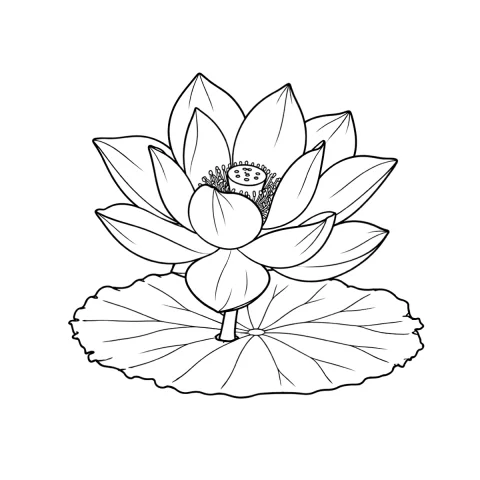
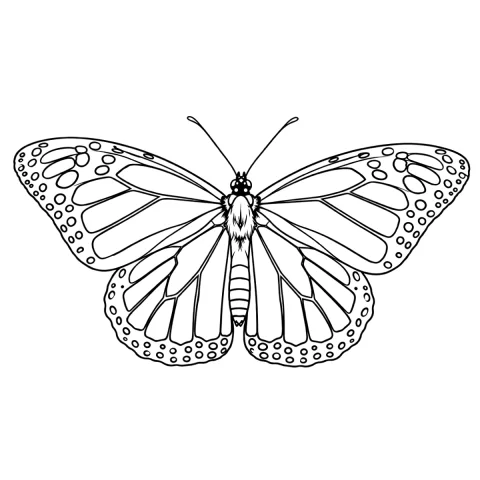
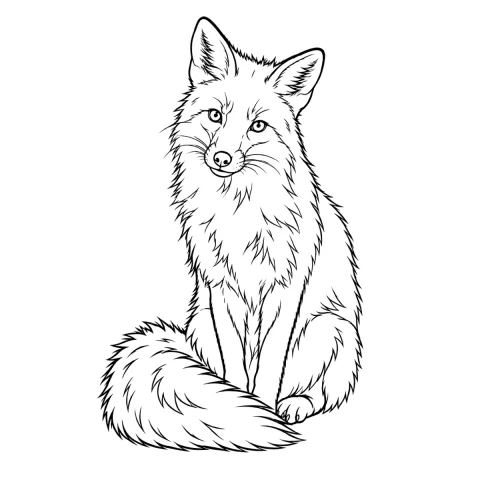
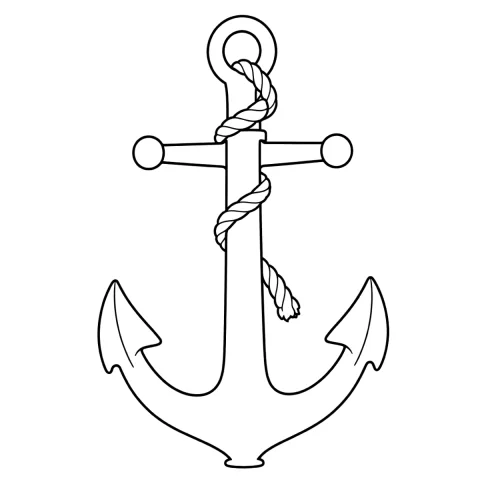
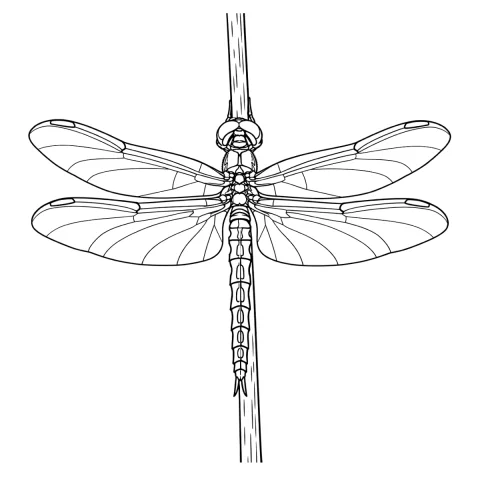
Free stencils to start this style from


Frequently asked questions
What is the thinnest line a minimalist stencil should have?
About 0.3 mm on the printed sheet, roughly 3.5 pixels at 300 dpi, and it has to be continuous. Below about 0.2 mm lines tend to break up in printing and transfer, which is why InkLine's print screen warns at that width; a solid 0.3–0.4 mm line is easy to follow, while a much heavier one smears around a fine needle.
Which extraction mode is best for fine line work?
Linework, in most cases: it traces solid black lines along the strokes and holds the short marks and single dots this style depends on. Use Denoised instead if the source came from a camera and looks grainy, since it runs Linework on a noise-reduced copy. Outline is coarser and stricter, and is the fallback only when paper texture keeps turning into marks you cannot clean.
Why does my fine line stencil vanish during transfer?
Usually because the line printed under about 0.2 mm, often a design shrunk to fit a small placement, or because it was already broken into dashes on the sheet. Setting InkLine's line weight to Fine or Medium redraws the stencil so the typical line prints at 0.3 or 0.4 mm whatever the size. Print at 100 percent and check the thinnest stroke before you transfer anything.
Do minimalist tattoos age worse than bold work?
Fine line work is widely reported by artists to age less forgivingly, for two reasons: less pigment is deposited per line, and pigment spreads slightly in the dermis over years. Tight gaps close and small enclosed shapes fill in. Scaling the same design up preserves every ratio while multiplying the margins.
Can I rescue a small screenshot of a minimalist design into a usable stencil?
Rarely. Below roughly 1000 px on the long edge you are redrawing rather than converting, and minimalist work is the least tolerant case because there is no surrounding detail to absorb a jittery edge. Redraw it with the photo guide under the stencil instead of fighting the extraction.